I still vividly remember Steve Jobs casting serious doubt on the very concept of a laptop touch screen during his 2010 Mac OS X Lion keynote. He all but vowed that the feature would never appear on a MacBook.
I agreed with him, too. Though Apple was (and still is) the king of touch-screen devices, I respected the company’s restraint with its laptops. Even its best tech at the time couldn’t make tapping and swiping a laptop screen feel right, and Jobs largely chalked that up to the horizontal screen orientation that laptop screens are stuck to, versus phones and tablets.
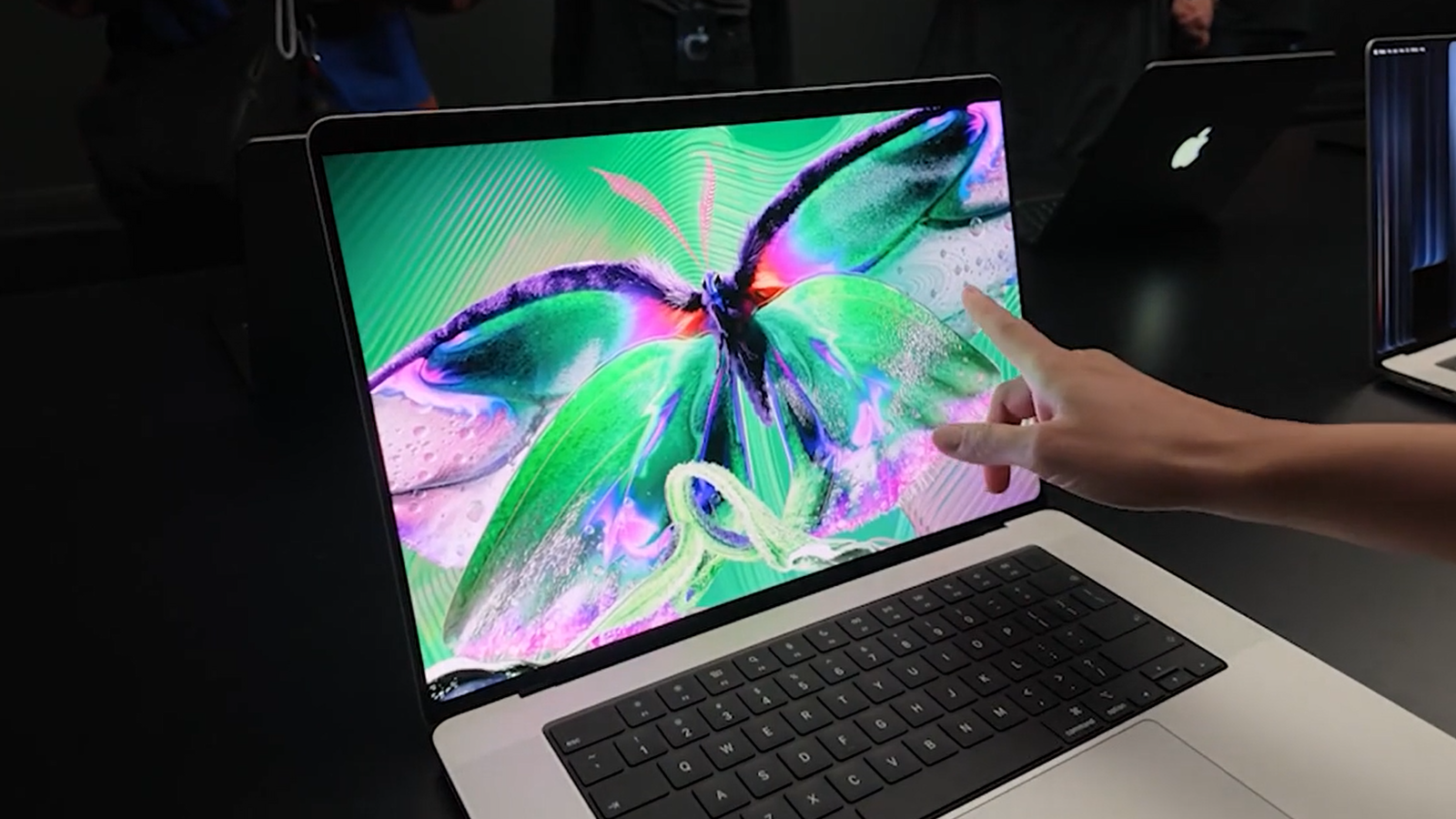
But much has transpired in the intervening 16 years. Apple’s executive guard has changed twice, and along the way, Apple has iterated on its touch-screen technology several times over. Finally, on Wednesday, Apple introduced its first touch-screen MacBook, the MacBook Pro with PROLED XDR Display.
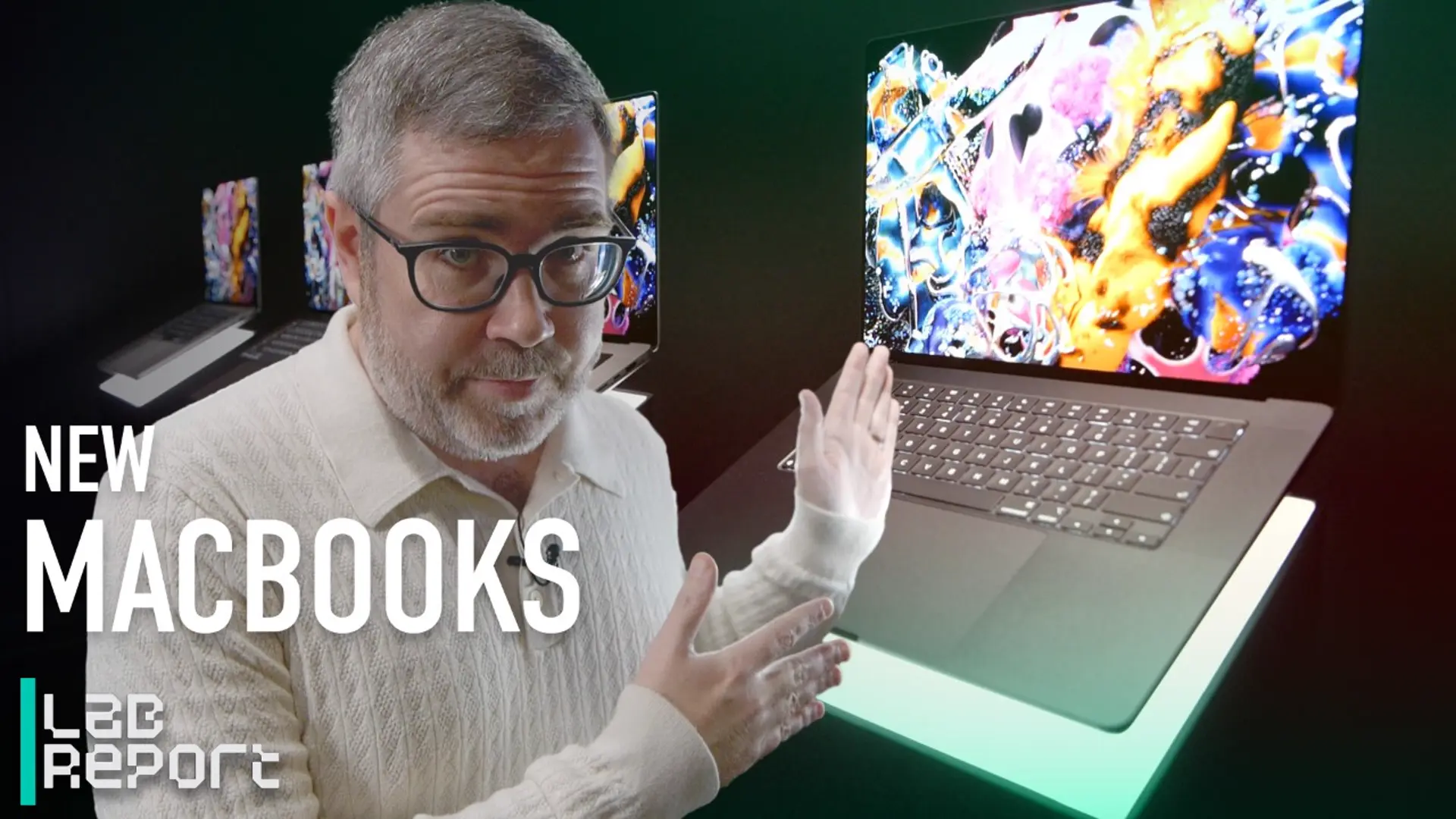

The first touchscreen MacBook Pro is here | Lab Report
After spending a short time with the new PROLED XDR touch screen and learning more about the tech in a closed-door briefing session, I’ve come away surprisingly bullish on the idea. The time has finally come for Apple to “think different” about laptop touch screens. Maybe it’s time for me to do so, too.
Apple didn’t simply slap typical touch-input tech on a MacBook display and call it a day. The company has taken the time to develop supporting technologies that promise to make the touch screen operate without a hitch.
The first is Apple’s tandem OLED implementation, known as “PROLED,” which consists of two OLED pixel layers stacked on top of each other. The screen actually has many more layers than that, each a few nanometers to a few microns thick, I learned. (The overall screen composite measures just under 1mm thick.)

(Credit: Joe Osborne)
Because OLED panels require no backlight—they use self-emissive pixels that turn on and off individually—Apple was able to install the touch control layer directly on top of the OLED layers. This helps immensely with the response time to taps and touches, creating a 1:1 feel between your fingers and the display as you manipulate content on the screen.
Without this development, the touch screen might not feel as snappy and responsive. However, I’d be remiss not to give Apple’s ProMotion 120Hz refresh rate its due. I’m no major screen-tech buff, but even I can see the benefit of smoother animation that 120Hz brings over standard 60Hz panels, particularly for complex on-screen content. Manipulating 3D assets via touch controls in the ZBrush app on the new MacBook Pro PROLED panel makes the difference apparent.

(Credit: Joe Osborne)
Without the faster refresh rate, touch input in scenarios like that probably would not feel nearly as precise and snappy. Because the screen itself refreshes 120 times per second rather than just 60, those additional screen draws enable smoother-looking animation transitions. I can now see why Apple fans are lamenting the lack of ProMotion in the 2026 iPad mini.
Dynamic Island and iPhone Mirroring Might Seal the Deal
Those aren’t the only features selling me on Apple’s first laptop touch screen. The new MacBook’s Dynamic Island sub-screen camera—tech that debuted a few iPhone generations ago—also plays a big role. I had trouble visualizing how the Dynamic Island would work on a laptop screen, but Apple pulls it off.
Dynamic Island is now core to the latest macOS 27 release, standing in as the new home for macOS system-level search and Siri AI. A simple downward swipe of the Island summons the search bar from the taskbar in which it now lives (though pressing Command+Space still does the same thing). It also provides music-playback controls, and it can host other features that app developers can implement via updates to their own software.

(Credit: Joe Osborne)
Apple has also worked with app developers to make touch controls central to using those apps. In the video-editing software DaVinci Resolve, for instance, you can manipulate color-correction wheels via touch, and the wheels expand beneath your finger so that you can see what you’re doing. Until now, this is the kind of nicety we’d see on iPhones and iPads, not laptops.
Recommended by Our Editors

(Credit: Joe Osborne)
I also saw iPhone Mirroring in action, and it’s an additional strength of the new touch screen that might not seem obvious at first glance. All of the features covered above combine to make controlling your wirelessly connected iPhone from your laptop feel downright seamless; you’re touching, not using a mouse or trackpad.
Beyond the obvious conveniences for everyday iPhone users, this could also play a significant role in mobile app development. Why? It will allow developers to test features directly on macOS, rather than having to export the latest build to an iPhone for testing.
A Stellar First Impression, But Is the Touch Screen Essential?
I need more time with the MacBook Pro PROLED displays before I can issue any kind of final verdict, but I must admit: They made a fine first impression. That said, having used MacBooks for so long without a touch screen, I’m still not sure touch input is essential. One of my main concerns is the price premium I’m seeing on these machines.
Looking at preorder pricing, it appears that these new PROLED touch screens drive most of the price increase for the new MacBook Pro models: $2,899 to start for the 14-inch model, and $3,399 for the basic 16-incher. If these screens eventually arrive in, say, future MacBook Air laptops, that would be a tough sell if they demand an $800 or $900 markup. Outside of professional content-creation or developer scenarios, I wouldn’t find that big a premium worth the outlay.
Preorder Your New MacBook Pro PROLED Laptops Here


In the near term, though, I’m excited to test the first MacBook touch screens in full, to see whether I’m just riding hype or if this is truly an additive feature to Apple’s pro-grade laptops. I’ll get a better idea of whether PROLED panels are worth it when I get some quality hands-on time with the MacBook Pro PROLED XDR for my upcoming review.
About Our Expert

Joe Osborne
Deputy Managing Editor, Hardware
Experience
After starting my career at PCMag as an intern 16 years ago, I’m back as one of its editors, focused on managing laptops, desktops, and components coverage. With more than 15 years of experience, I have been on staff and published in technology review publications, including PCMag (of course!), Laptop Magazine, Tom’s Guide, TechRadar, and IGN. Along the way, I’ve tested and reviewed hundreds of laptops and helped develop testing protocols. I have expertise in testing all forms of laptops and desktops using the latest tools. I’m also well-versed in video game hardware and software coverage.
Leave a Reply