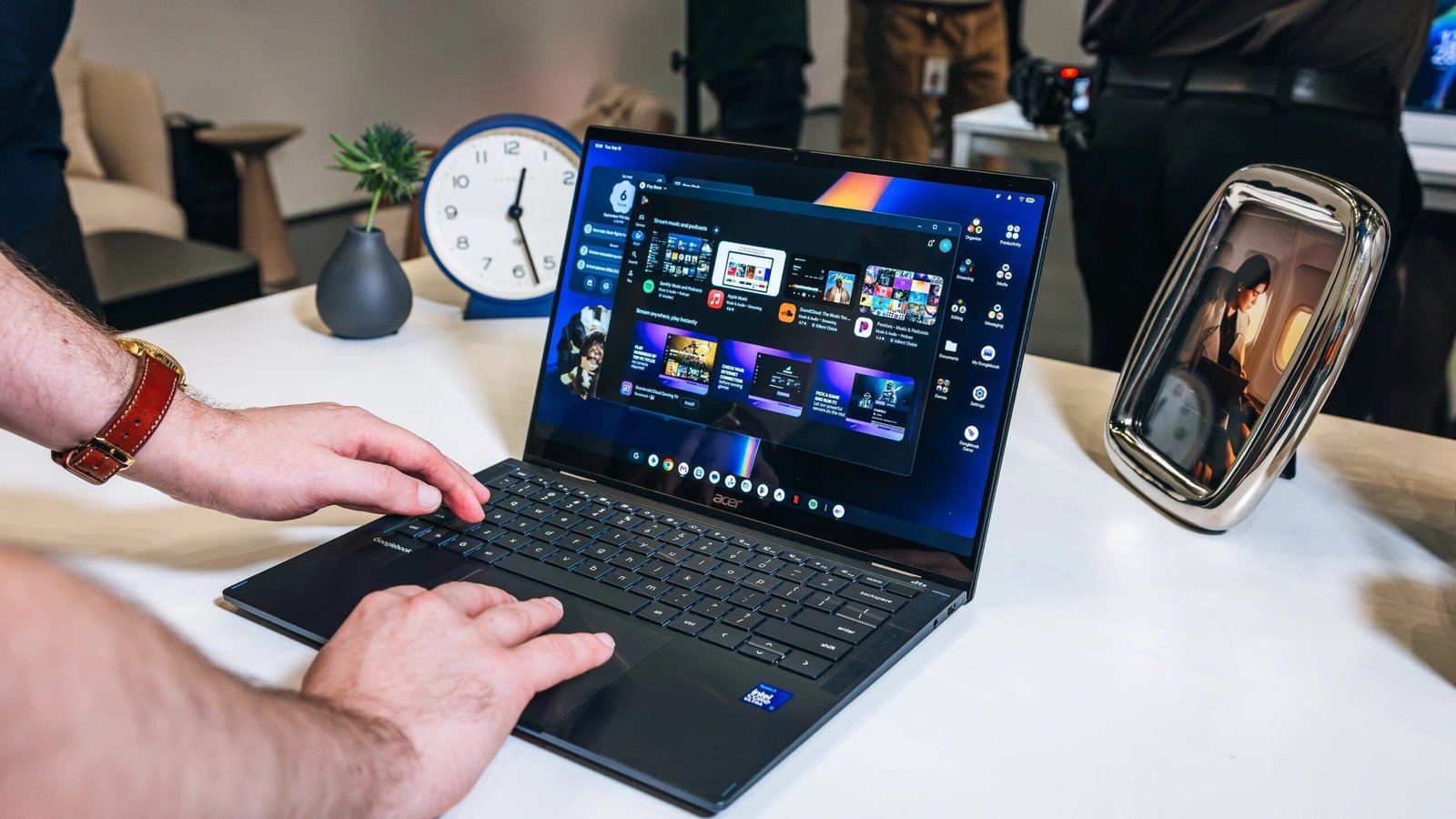
An update to Googlebook OS now lets you use your Samsung phone with Google’s new laptops as originally intended. One of the key Googlebook features is its integration with Android phones, but Google didn’t include Better Together connectivity with Samsung devices at launch.
A new update rolled out on Saturday, after being announced on Reddit, letting those with a Samsung phone running One UI 9 software connect to Googlebooks. That’s Samsung’s own version of Android 17, which is necessary for these features.
Better Together tools include Continue On to carry over task progress across devices, Notification Sync to see incoming messages on your laptop, and Quick Access to search for and view your phone’s files on the Googlebook.
It took Google a week to launch Samsung compatibility, but some early adopters chose to return their devices after discovering it wouldn’t work with their phones immediately.
If you own a Samsung phone, you should see this update arrive in the coming days. You may already have it, as some users have reported that the features are now available. Alongside One UI 9, you’ll also need Google Play Services version 26.37 on both devices and Cross-Device Services version 1.0.1346.
According to Google’s update notes, the update also addresses a bug that caused the QR code used to connect your smartphone to the laptop during setup to remain visible after its first use. Google says it now has an overall “smoother first-time setup” with fewer steps than at launch.
Recommended by Our Editors
PCMag’s Deputy Managing Editor of Hardware, Joe Osborne, has been testing Googlebook devices for over a week. Osborne says, “If you’ve been craving the kind of direct-device and account-level integration from your current PC laptop or Chromebook with your Android phone, then this is Google’s long-awaited answer.”
“However, you must temper your expectations of what an Android-based laptop can do. Yes, it can pair with your Android phone and serve up Gemini functions just like your handset can, but it still runs Android apps exclusively.”
About Our Expert

Experience
I’ve been a journalist for over a decade after getting my start in tech reporting back in 2013. I joined PCMag in 2025, where I cover the latest developments across the tech sphere, writing about the gadgets and services you use every day. Be sure to send me any tips you think PCMag would be interested in.
Leave a Reply