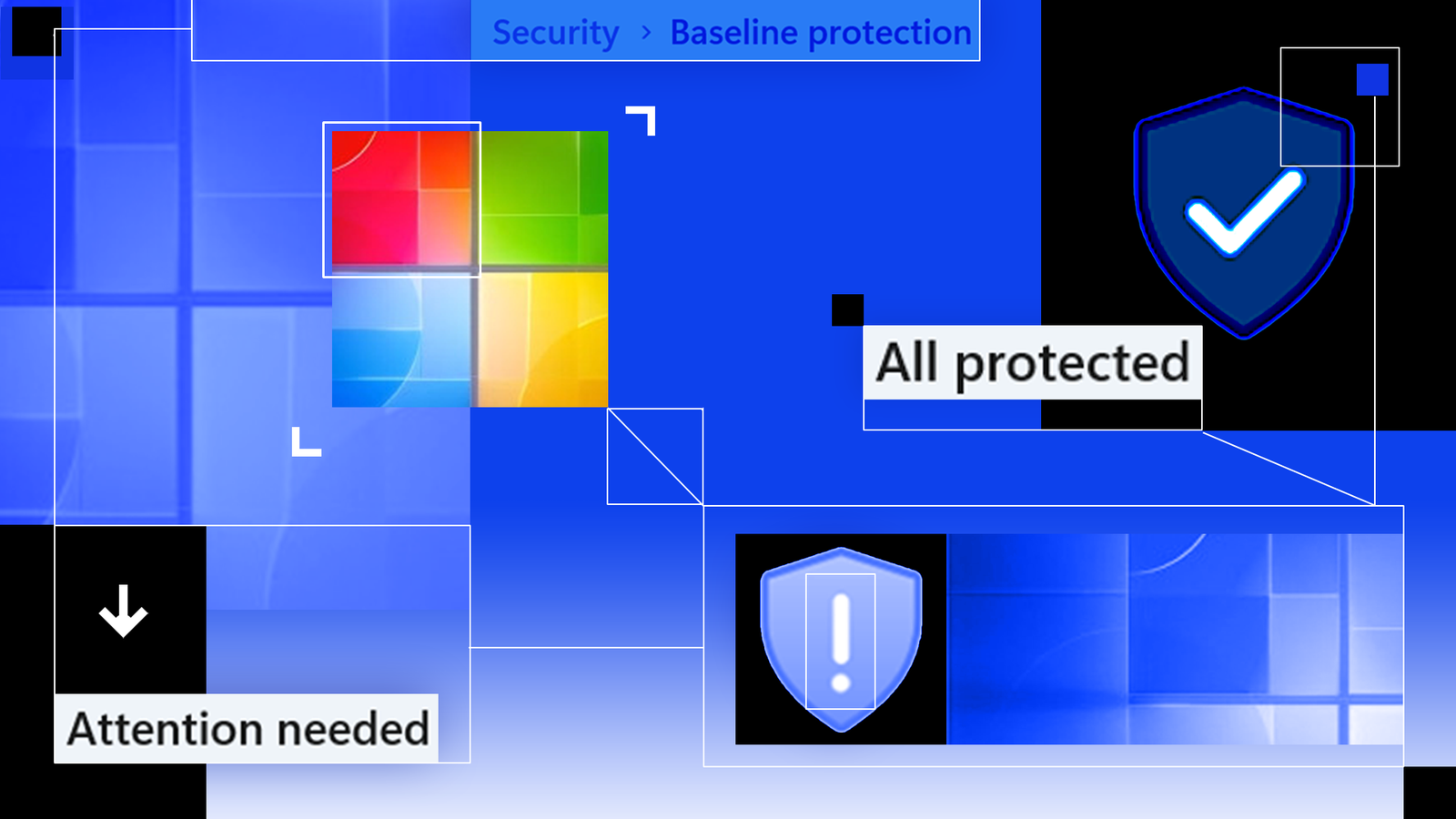
Announced at Microsoft’s Ignite conference last week, the Windows Baseline Protection initiative will soon give you a way to quickly check your PC’s security status, bringing together scattered settings into a single dashboard. Apps could require this baseline protection in the future, so you might have to put your PC in a secure state before you can run them.
Meanwhile, Microsoft quietly announced the end of To Do, its task management app, without a replacement. It’s yet another indication of Microsoft’s renewed focus on business customers sometimes coming at the expense of consumers. To that end, Microsoft was remarkably honest at Ignite about the negative feedback it has heard from IT departments about Windows.
Read on for the details on how Windows Baseline Protection may transform your PC, my take on the To Do shutdown, and how Microsoft is trying to appease IT departments. I also answer a reader’s question about OpenClaw on Windows.

Everything Microsoft announced at Ignite in 14 minutes
Pass or Fail: How Windows Will Grade Your PC’s Security
Windows Baseline Protection is a readily identifiable binary state that indicates your PC’s security status, and you will soon be able to check it in Settings > Security dashboard. To achieve the Windows Baseline Protection state, your PC must meet certain requirements, such as certified drivers, memory integrity protection, Secure Boot, a security processor, signed hardware drivers, and virtualization-based security. These settings are typically scattered across the OS, but the dashboard puts them in one place and provides instructions on how to activate them.
Importantly, apps can check your PC’s baseline protection status, with Adobe, Blizzard Entertainment, 1Password, and other developers already on board. However, what they do with the information is up to them. An app could, for instance, simply provide a warning or refuse to run if your computer doesn’t meet the requirements. I could see online games requiring Baseline Protection to help counter cheating programs, and this approach reminds me of how Google’s Play Integrity API lets Android apps verify device security status.

The Baseline Protection settings screen puts important-but-scattered security settings in one place (Credit: Microsoft)
Baseline Protection arrives at a time when AI systems are discovering bugs at a breakneck pace, and companies are working frantically to patch them. I see this initiative as a net positive and something that will help people improve their PC’s security. I don’t like the idea of Windows apps refusing to run on PCs with unsigned drivers and other unapproved software because it reduces user choice, but some video game anti-cheat programs already require Secure Boot and similar features to be active. Windows Baseline Protection just simplifies the identification and management process for all. Microsoft says it plans to release this feature to all Windows 11 PCs in the spring of 2027.
To Do Is Done, and There’s No Replacement for Personal Users
Fresh off the takedown of Publisher, Microsoft is shutting down To Do, its task management app, on June 30, 2027. As a result, the To Do feature will disappear from the new Outlook app. The company recommends that Microsoft 365 subscribers with work or school accounts switch to Microsoft Planner, but you can’t use that if you just have a personal account.
The shutdown is yet another example of Microsoft giving up on consumer software. While Apple has Reminders and Google has Tasks, Microsoft will soon have no task management solution for Windows users. You could perhaps use the Sticky Notes app to track simple tasks, but the Windows-only feature feels half-baked.
As a reminder, To Do is the successor to Wunderlist, the popular task management app Microsoft acquired for between $100 and $200 million dollars in 2015, only to shut it down in 2020. Wunderlist founder Christian Reber tweeted “Please let me buy it back,” at Microsoft in 2019, but it didn’t take him up on the offer.
I’ve used both apps over the years, and I’m sad to see them go. I’ve previously written about how Microsoft is prioritizing businesses over consumers, and this awkward app shutdown is simply more proof.
Microsoft Tells IT: We Hear Your Windows Complaints
Windows 11 is faster and less annoying than it was at the start of the year, but Microsoft is still committed to addressing negative feedback. Its Raising the Bar on Windows Quality session from Ignite is an excellent example of the company’s messaging.
Essentially, Microsoft executives want IT professionals to know that they hear the negative discourse about Windows, and that the company is still working to improve the OS. Specifically, the speakers highlighted complaints about annoying updates, crashes, slow performance, sign-in issues, and an obnoxious new PC setup process, and pointed out that things are better now.

Microsoft shared negative feedback about Windows from businesses at Ignite (Credit: Microsoft)
During the session, Ian LeGrow, corporate vice president of Microsoft’s Core OS efforts, also highlighted improvements to memory consumption for systems with 8GB of RAM. He asked IT professionals to test their business workflows on the current version of Windows 11 with 8GB of RAM before buying new hardware, arguing that many companies could save money by opting for less powerful hardware. I’ve tested Windows on 8GB of RAM recently, and he’s correct: Basic desktop productivity is now reasonable on such systems.
Recommended by Our Editors
Ask Our Expert: Is My Windows PC Getting OpenClaw?
Do you have a question about Windows? I’m here to share my knowledge! You can submit your question here, and I may answer it in an upcoming Windows Guide newsletter. If you’re not subscribed to the newsletter, head here to sign up, and check your inbox each week for the latest Windows updates from me. Now, on to this week’s question!
John K. asks: “I read that Microsoft’s new release of Windows 11 will include OpenClaw, revamped to be safe. It’s supposed to be a personal assistant. Is this true?”
Hi John, thanks for your question! I really appreciate this one, since Microsoft isn’t very clear about its AI plans. In short: Microsoft is creating an OpenClaw-based assistant you may use one day, but the company isn’t bundling the OpenClaw AI software with Windows for the moment. (Even Microsoft’s AI-focused Project Zenith Windows builds don’t include OpenClaw.)
If you’re interested, Microsoft debuted an OpenClaw app for Windows at Build earlier this year that can quickly get you up and running. It even created Microsoft Execution Containers to restrict what the OpenClaw agent can do on your computer. I tested out the experience and can tell you that it’s still very much an experimental tool for enthusiasts that requires a lot of configuration.
You also might have heard of Autopilot, which Microsoft calls a “trusted personal agent.” Autopilot is part of the Copilot app, and it’s based on OpenClaw technology. Unlike OpenClaw, however, Autopilot doesn’t run on your computer or directly use your apps. Microsoft began rolling out Autopilot to some enterprise customers after Ignite, but it hasn’t announced availability for consumers.
About Our Expert

Chris Hoffman
Senior Writer, Software
Experience
I’ve been writing about technology for more than 15 years and using it in earnest for over twice as long. As a member of PCMag’s software team, I focus on Windows coverage, but also write about other key desktop operating systems and system apps. (I used Windows 3.1 upon its release and have followed every subsequent release closely).
Prior to joining PCMag, I wrote for How-To Geek starting in 2011, and my articles amassed over a billion page views. I went on to run the publication as editor-in-chief for four and a half years. I have also contributed to Computerworld, Fast Company, PCWorld, Reader’s Digest, The New York Times, and many other outlets about everything from AI to PC hardware to Windows. I founded and ran my own direct-to-reader Windows-focused newsletters, Windows Intelligence and The Windows ReadMe, working in partnership with Thurrott.com.
Leave a Reply