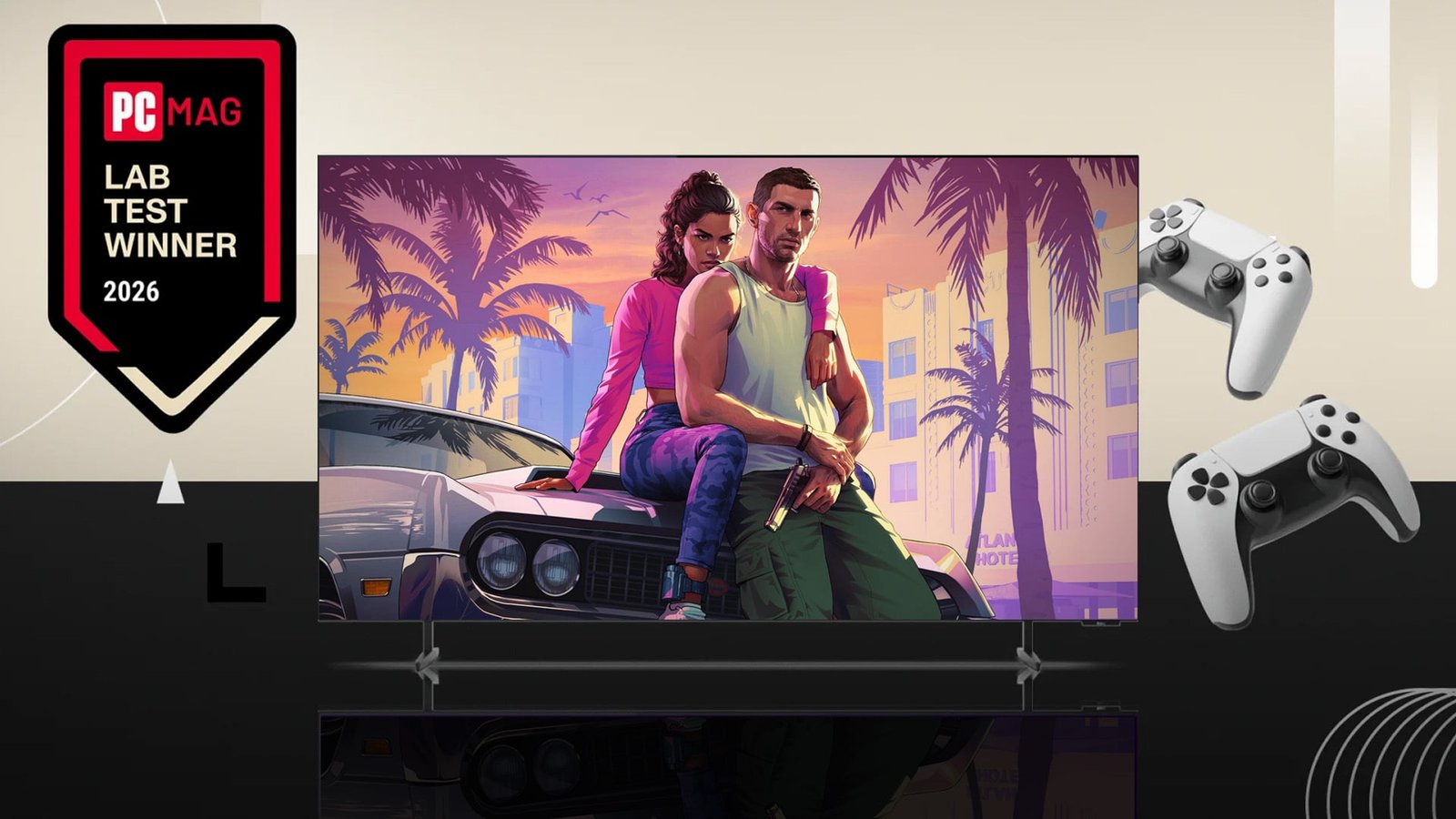
Grand Theft Auto VI‘s Nov. 19 release date is just around the corner. If you’re thinking about buying a new TV for what promises to be one of the biggest game launches in years, you should look for a model with low input lag.
Back in May, the Samsung S95H ($3,399.99 for 65 inches) earned our first PCMag Lab Award for lowest input lag, and it’s still a fantastic TV if you can afford it. However, two much cheaper options have stepped up with even better numbers: the Hisense U6SF Pro ($1,099 for 65 inches) and the Roku Pro Series OLED ($1,199.99 for 65 inches). After testing both side by side in PC Labs, the Roku came out on top by a fraction of a millisecond, making it our new undisputed speed champion for gaming and the latest recipient of our Lab Award.
In the video below, I discuss our lab findings and share some holiday shopping advice alongside other TV, gaming, and streaming experts from our sister sites CNET and Lifehacker. Check it out, and read on for a deeper explanation of how I test TVs and why input lag matters.

Holiday TV Shopping Is Complicated. Our Experts Make It Simpler
Why Input Lag Is the Ultimate Make-or-Break Gaming Metric
Input lag is the amount of time between a signal being sent to a screen and the screen updating. It’s a vital metric to consider for gaming because latency can make play feel sluggish and throw off your timing enough to make attacking, dodging, and parrying nearly impossible. You want the lowest lag possible, especially for fighting games, character action games, and any other type of game where every moment counts.
The Fastest TVs I’ve Tested (in Order of Speed)


While input lag is measured in milliseconds, we can put it into context by considering individual animation frames. Most basic TVs and monitors have a refresh rate of 60Hz, which means they show 60 individual frames per second. High-end models can hit 120Hz, 144Hz, or even higher refresh rates. All other factors being optimal (meaning your console or PC can maintain a frame rate that matches your display’s refresh rate), the time between frames being drawn at 60Hz is 16.67 milliseconds. At 120Hz, that time is halved to 8.3ms. At 144Hz, it’s 6.9ms.
You can comfortably play if input lag is less than the time between frames, but you still want the lowest possible number.
Inside PC Labs: How I Test TV Speed Down to the Millisecond
Among the various devices I use to test TVs, the Leo Bodnar 4K HDMI Video Signal Lag Tester is my main tool for measuring input lag. It’s a small box that plugs into the USB port of a computer and the HDMI port of a TV or monitor, and shows a set of flashing rectangles on the screen. A light sensor on the box detects when the rectangles flash and calculates the latency between the signal being sent to the screen and each flash.

The testing equipment I use includes a Klein K-10A colorimeter (the tube), a Murideo SIX-G 8K signal generator (the black box), and a Leo Bodnar 4K HDMI Video Signal Lag Tester (the silver box) (Credit: Will Greenwald)
The lag tester can send multiple signal types of different resolutions and refresh rates, though for 4K, it tops out at 60Hz. To check input lag at both the maximum resolution and higher frame rates, I take two measurements, one at 4K60 and one at 1080p120. For consistency, I place the sensor over the centermost rectangle on the screen; because TVs draw pictures from the top down, a lower number will usually appear when measuring the top box and a higher number when measuring the bottom box.
One important detail: I always set the TV to Game mode for this test, and it’s vital that you do the same when you want to play games on it. Game modes specifically minimize input lag by disabling image-processing features that other picture modes might use. That processing adds a ton of latency; Game mode numbers typically stay below one frame on most TVs, while the input lag I’ve seen on some Movie modes has exceeded 100ms.

Me testing input lag on a TV (Credit: Will Greenwald)
How Roku Claims the New Speed Crown
I measured an input lag of 8.8 milliseconds on the Roku Pro Series OLED with a 4K60 signal. At 1080p120, I measured 4.8ms. This is the first time I’ve seen a 4K60 input lag dip below 9ms, beating the Samsung S95H by 0.4ms while matching its 1080p120 performance.
As mentioned earlier, the Hisense U6SF Pro was also in strong competition for the award. It showed the same 9.2ms 4K60 latency as the Samsung S95H, while its 1080p120 input lag hit the lowest I’ve seen yet at 4.6ms—even lower than the Roku (4.6ms).
Recommended by Our Editors
That said, I take both numbers as an aggregate, and in terms of total latency between both 4K60 and 1080p120, the Roku Pro Series is the most responsive TV by a fifth of a millisecond.
What makes this victory particularly remarkable is the massive shift in value it represents for gamers. Just months ago, achieving sub-10ms input lag required dropping $3,400 on a high-end flagship like the Samsung S95H. By edging out the S95H while carrying a $1,200 price tag, the Roku Pro Series OLED proves that esports-grade responsiveness is no longer locked behind an ultra-premium paywall. Together with the $1,099 Hisense U6SF Pro, this demonstrates that more affordable TVs have caught up to the fastest panels on the market—and earns Roku our Lab Award for the lowest input lag.
All three TVs are among the most responsive I’ve seen, which means they’re all well-equipped for Grand Theft Auto VI. For a detailed breakdown of the pros and cons of each, check out our roundup of the best gaming TVs.
As for which version of GTA VI you should get, check out our complete GTA 6 preorder guide to figure out which edition is right for you.
About Our Expert

Will Greenwald
Principal Writer, Consumer Electronics
Experience
I’m PCMag’s home theater and AR/VR expert, and your go-to source of information and recommendations for game consoles and accessories, smart displays, smart glasses, smart speakers, soundbars, TVs, and VR headsets. I’m an ISF-certified TV calibrator and THX-certified home theater technician, I’ve served as a CES Innovation Awards judge, and while Bandai hasn’t officially certified me, I’m also proficient at building Gundam plastic models up to MG-class. I also enjoy genre fiction writing, and my urban fantasy novel, Alex Norton, Paranormal Technical Support, is currently available on Amazon.
Leave a Reply