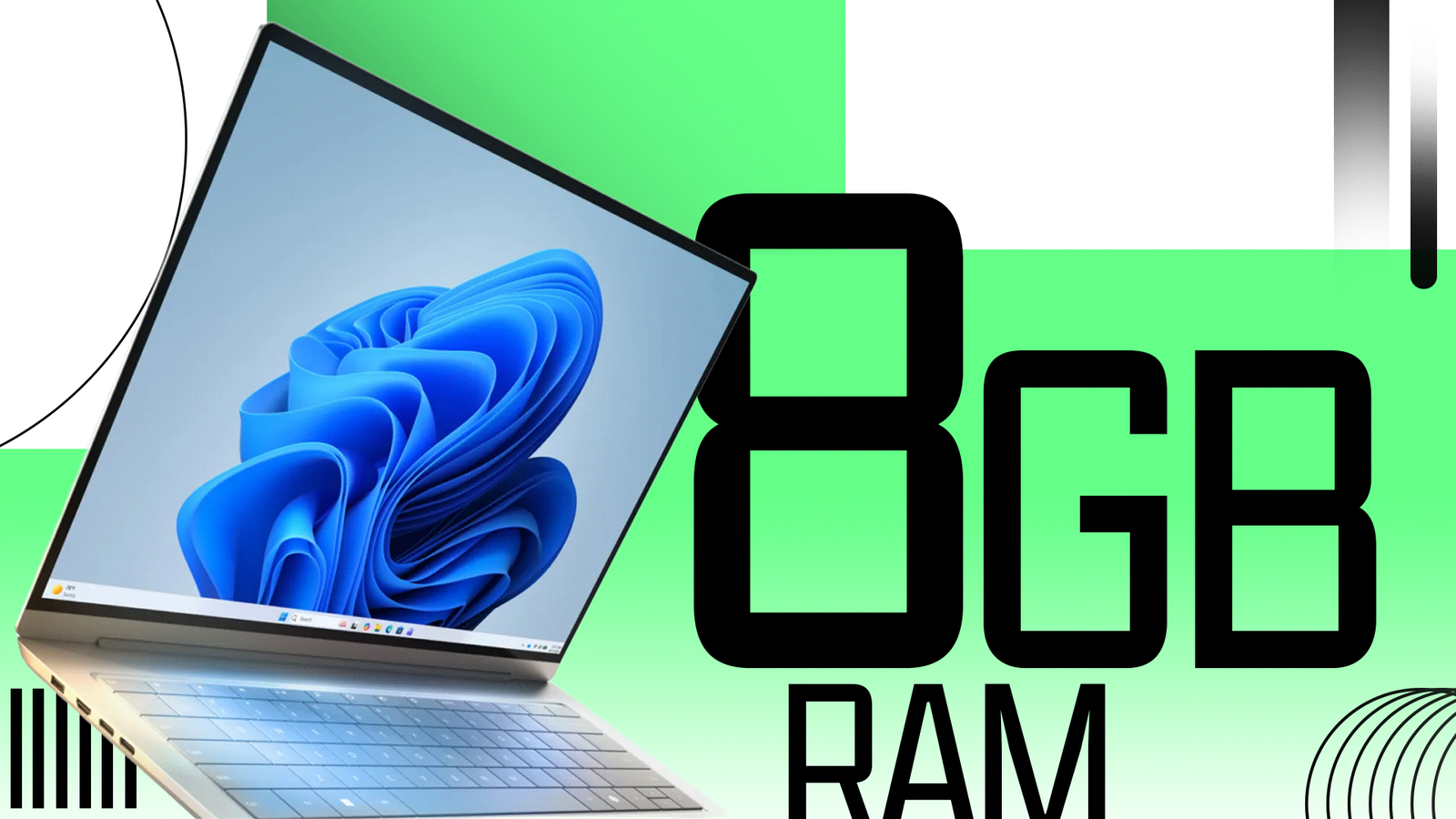
Microsoft announced major memory efficiency improvements to Windows 11 this week, and these upgrades should already be live on your PC. I spoke with Microsoft’s Marcus Ash, corporate vice president for design and research for Windows + Devices, and Klaus Diaconu, who leads the Windows Fundamentals team, about these changes, and after some testing, I can confirm that the OS works better on 8GB of RAM than it did just a few months ago. Meanwhile, the Edge browser now launches more quickly, and Google Chrome and other apps could follow suit.
In less exciting news, Microsoft is offering voluntary buyouts to 60,000 employees, which is over 25% of its global workforce. It’s a massive reduction in jobs at a time when the company is increasingly profitable.
Read on for an inside look at improvements to Windows 11’s memory efficiency, an intriguing update to Edge, and the details on Microsoft’s largest-ever attempted reduction in its workforce. I also answer a reader question about a pesky BitLocker key issue.

Windows 11 is Finally Getting Better Search
Windows 11 Finally Seems Viable for 8GB Systems
Windows 11 has historically struggled on PCs with just 8GB of RAM. But this week, I spoke with Windows engineers who told me about their efforts to improve that experience. Interestingly, they explained that Task Manager is often misleading and that new memory compression tactics are dramatically improving performance. “We are seeing users gaining about two gigabytes of memory,” says Diaconu. “It’s not physical memory, but it feels like that.”
The amount of effort Microsoft is putting into improving memory optimization is impressive. Of course, if the company had been more on top of the issue years ago, it wouldn’t be playing catch-up with the MacBook Neo, which proves 8GB of RAM is actually fine for some users in 2026.
Nonetheless, Windows 11 now seems to perform surprisingly well with 8GB of RAM in my latest testing. That’s good news because it opens the door for more affordable laptops at a time when the RAM crisis is actively worsening.
Edge Now Launches Faster, and Other Apps Might Copy Its Technique
Microsoft says Edge now launches 15% faster for most Windows users, and up to 33% faster if your PC is under load. Edge is using a new accelerated app launch feature that enables Windows to quickly check whether an app is already running, either in the background or in a visible window. Other web browsers, such as Chrome and Firefox, can take advantage of the same capability, and if more developers adopt it, it could boost Windows’ overall performance. It’s a good excuse to at least give Edge another try, too.

The new accelerated app launch system is how Windows always should’ve worked (Credit: Microsoft)
Microsoft Wants to Cut 60,000 Employees, Despite Massive Profits
Microsoft stunned the industry last week when it offered voluntary buyouts to 60,000 employees, which amounts to roughly 27% of its global workforce. Reuters reports that the attempted job reductions affect employees in AI, Copilot, Windows + Devices, and Xbox. Like other big tech companies, Microsoft is spending an incredible amount of money on AI and data centers. Despite this, Microsoft’s profits are up 32%.
Microsoft’s chief financial officer Amy Hood wrote in an internal memo that the company “[expects] very few people to select this offer,” according to Business Insider. The publication reports that many Microsoft employees are spooked, and that sources inside the company aren’t sure whether layoffs will follow. A Microsoft executive told Business Insider that the company could replace departing senior employees with lower-paid junior employees to save on labor costs.
The largest attempted buyout in the company’s history follows other job cuts Microsoft implemented this year, including laying off 3,200 employees in its Xbox division and spinning off many of its game studios. I’m finding it hard to make sense of exactly what’s happening in Redmond or how many positions the company actually wants to cut, since many Microsoft employees themselves seem confused.
Ask Our Expert: Why Is Windows 11 Asking for My BitLocker Key?
Do you have a question about Windows? I’m here to share my knowledge! You can submit your question here, and I may answer it in an upcoming Windows Guide newsletter. If you’re not subscribed to the newsletter, head here to sign up, and check your inbox each week for the latest Windows updates from me. Now, on to this week’s question!
Two readers have questions about BitLocker this week. Bob S. asks, “For Windows 11 Home, is BitLocker required? It comes up every now and then wanting a big code number!” Carl C. asks: “After running a Windows 11 Update, my PC asks for a BitLocker number. Microsoft says we have no key for this computer. What can we do?”
Recommended by Our Editors
Thanks for asking these important questions. Windows should never ask for your BitLocker recovery key during normal PC use, but low-level software or hardware changes can trigger BitLocker prompts for the key.
Here’s what’s happening: Windows 11 automatically enables Device Encryption when you sign in with a Microsoft account. It uses BitLocker to encrypt your PC’s storage so only you can access your files. Windows automatically unlocks your encrypted drive, but the OS also automatically uploads a copy of your BitLocker recovery key to your Microsoft account in case you need it to recover your files.
If you do see a request for a BitLocker recovery key, you can find it by visiting Microsoft’s BitLocker Recovery Key page and signing in with the account you used to set up the PC.
If you don’t want to bother with any of this, you can turn off Device Encryption by heading to Settings > Privacy & Security > Device Encryption and flipping the toggle. Just be aware that your PC’s files will be unencrypted. I don’t recommend this step if you have sensitive files on your PC or use it in public.
If your PC is asking for a BitLocker recovery key, you must provide it to unlock BitLocker and access your PC’s files. If you have multiple Microsoft accounts and can’t find the recovery key on one, try signing in to the others; the key may be associated with a different Microsoft account. Unfortunately, if you can’t find the recovery key, you’ll need to perform a factory reset on your Windows 11 PC, which will erase your files.
About Our Expert

Chris Hoffman
Senior Writer, Software
Experience
I’ve been writing about technology for more than 15 years and using it in earnest for over twice as long. As a member of PCMag’s software team, I focus on Windows coverage, but also write about other key desktop operating systems and system apps. (I used Windows 3.1 upon its release and have followed every subsequent release closely).
Prior to joining PCMag, I wrote for How-To Geek starting in 2011, and my articles amassed over a billion page views. I went on to run the publication as editor-in-chief for four and a half years. I have also contributed to Computerworld, Fast Company, PCWorld, Reader’s Digest, The New York Times, and many other outlets about everything from AI to PC hardware to Windows. I founded and ran my own direct-to-reader Windows-focused newsletters, Windows Intelligence and The Windows ReadMe, working in partnership with Thurrott.com.
Leave a Reply