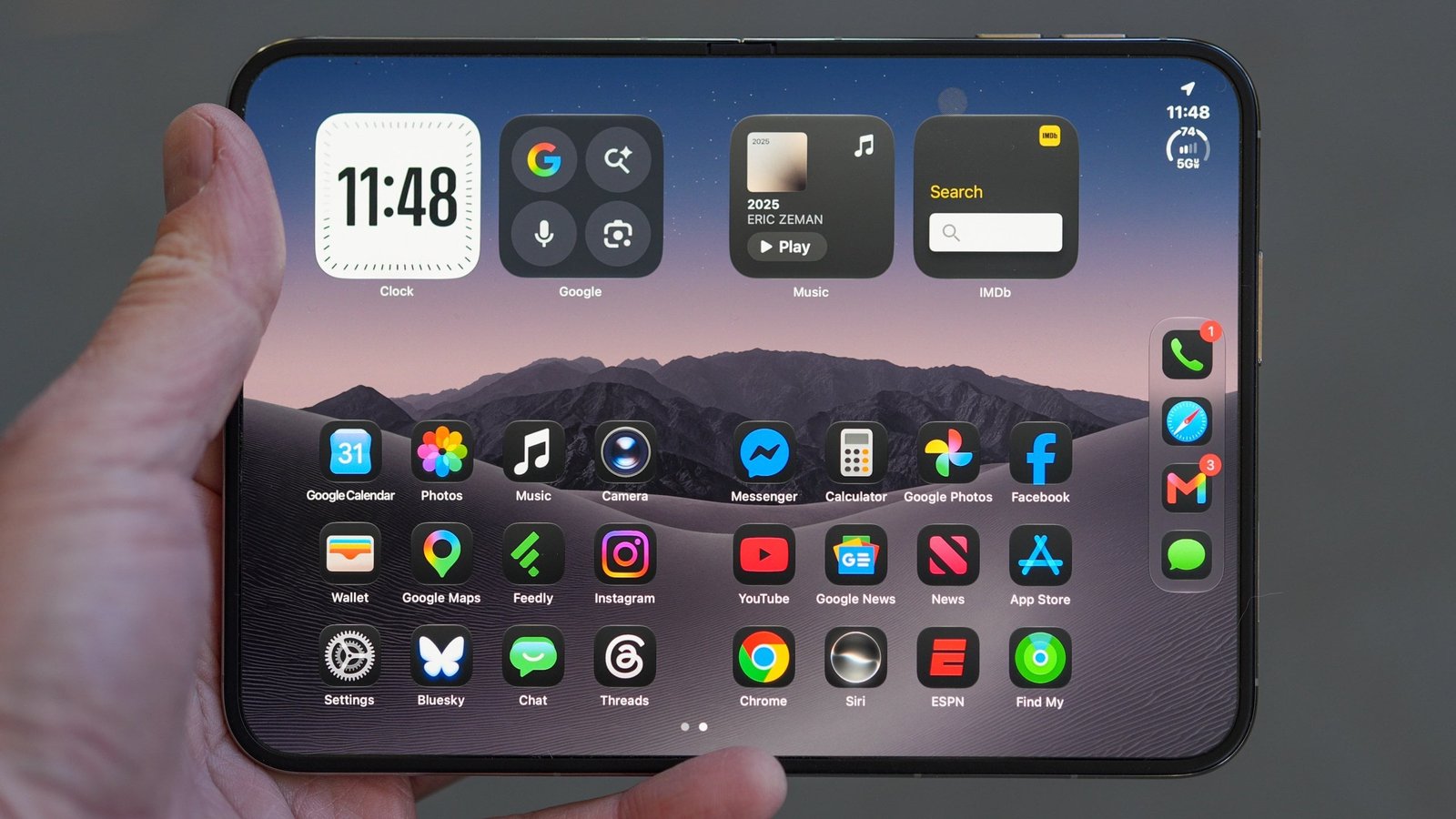
With the initial buzz of the iPhone Duo settling down, software utility now takes precedence over physical novelty. iOS 27 brings native split-screen multitasking to the device, effectively making it a pocket-sized laptop replacement. Although restrictive software has historically bottlenecked Apple’s mobile silicon, this upgrade turns the Duo into a true productivity tool. As PCMag Managing Editor Eric Zeman summarized in his review, “If you’re an iPhone loyalist who’s been eyeing the foldable space…the iPhone Duo is easily the best folding phone you can buy today.”
For me, this single OS upgrade is the killer feature that transforms the iPhone Duo from an expensive gimmick into a must-buy mobile productivity powerhouse. This is the pivot I’ve been waiting for.
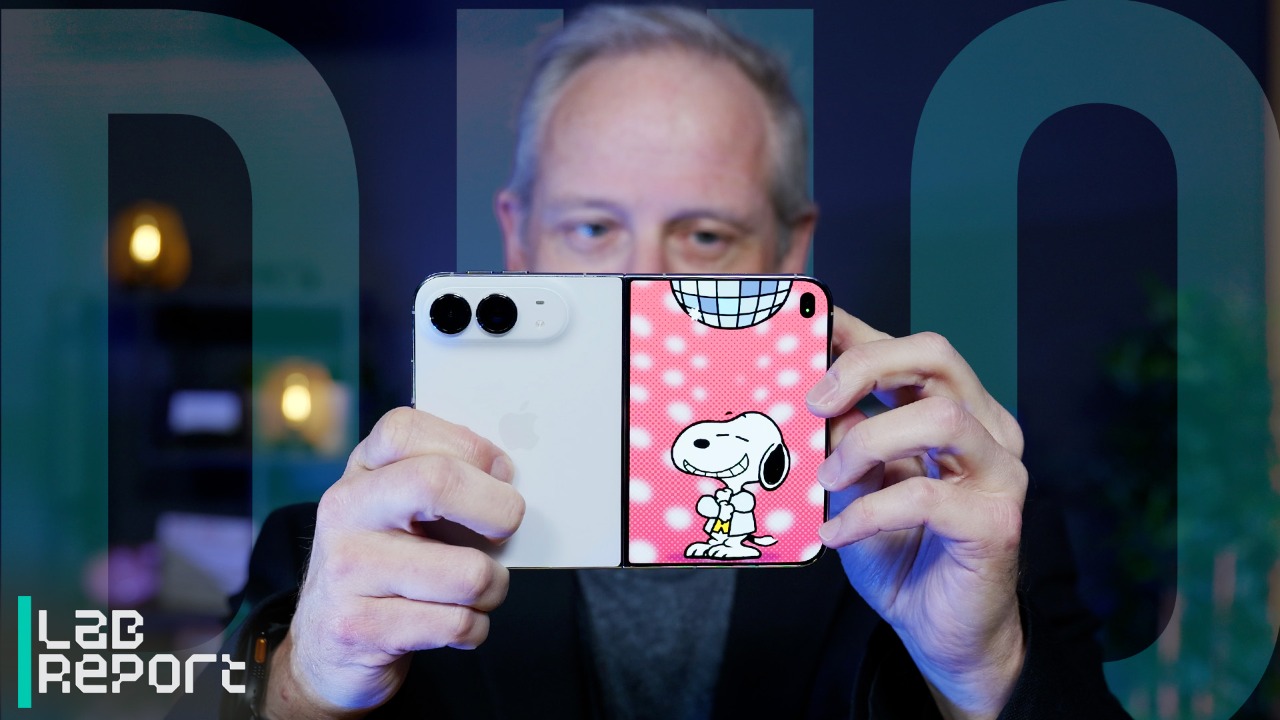

Apple iPhone Duo Review: A Big, Beautiful, Powerful iPhone With Some Twists
Breaking Nearly 20 Years of Limits
Ever since the original iPhone launched in 2007, we’ve been trapped in a single-app vacuum. If you want to quote an article while writing an email, you have to exit the email app, jump into Safari to copy, exit, and return to email, and paste. It’s an archaic dance we’ve simply accepted because of the limitations of the underlying engine. Heck, even the iPad’s Stage Manager implementation felt unoptimized and clunky when it first arrived.
The adaptive version of iOS 27 on the iPhone Duo finally shatters that barrier. When you unfold the device to reveal its massive 7.6-inch inner canvas, you can run two completely independent applications side by side.
Of course, Android power users are well within their rights to roll their eyes at this announcement. Devices like Samsung’s Galaxy Fold line have mastered split-screen app execution for generations now. What makes Apple’s multitasking unique isn’t that it’s first, but that it’s deeply integrated. It leverages the Duo’s canvas to slide background apps into fluid, hoverable stacks that feel less like a cramped mobile desktop and more like a natural extension of physical paper.

(Credit: Apple)
That Drag-and-Drop Magic
What has me most excited isn’t just seeing two apps at once, but how they talk to each other. Much like the Visual Look Up AI that let me drag PNG elements across apps in previous updates, Apple’s new split-screen engine lets you grab an image or a block of text from a Safari web page on the left screen and slide your finger across the display’s center seam to drop it directly into a Message, Note, or email on the right.
To make this even more efficient, iOS 27 lets you lock your favorite app combinations together into “App Pairs.” If you regularly check Slack while monitoring your Calendar, you can save that pairing to your Home Screen and launch both apps perfectly arranged with a single tap.

(Credit: Apple)
Like a Computer in Your Pocket
I’ve argued before that the iPhone hardware is ready for heavy lifting, but the software has actively stood in the way. Math Notes is a superb tool, but it has always felt cramped on a standard, narrow iOS screen.
This new multitasking framework shifts the Duo’s value proposition. You aren’t paying $2,000 or more for a smartphone with a slightly larger screen and some neat party tricks. You’re paying for the freedom to leave your laptop at home with multi-window workflow management functionality right in your pocket. It’s the exact moment the iPhone stops feeling like a phone and starts acting like a true computer.
The internal silicon delivers industry-leading muscle, with Zeman’s benchmark testing confirming that “the Duo outperformed last year’s Pro models and the Android competition,” comfortably beating rivals like Samsung in raw processing power.

(Credit: Apple)
The Pencil Synergy: Better Than a Keyboard?
What truly cements this split-screen layout for me is how it handles the newly added Apple Pencil integration. As mentioned, using intricate software like Math Notes on a cramped iPhone screen felt like fighting a spreadsheet on a tiny shard of glass, forcing an absurd level of precision that killed any creative momentum.
On the Duo’s expanded screen real estate, however, the combination of native multitasking and stylus support changes the equation. I can keep a Safari research tab or a video open on the left screen while using the Pencil to handwrite formulas or sketch ideas directly in the right pane. It brings the fluid, notebook-style workflow that I’ve praised on iPadOS straight to a pocketable device.
Although the outer display presents a slick glass feel, the inner canvas is decidedly more tactile; Zeman noted that “while the outer screen feels a little slippery… the textured inner screen feels much better. The nano-texture feels a lot better than flat glass.”
Multitaskers, Enter the Fold
There is no doubt that the iPhone Duo is a luxury, starting at $1,999 for the baseline 256GB model and going up to $3,199 for 2TB. But if you’re eager to change how you use your phone every day, the sheer power of this multitasking engine has me convinced that the future of Apple’s mobile platform is unfolding right before our eyes.
About Our Expert

Gabriel Zamora
Senior Writer, Software
Experience
In 2014, I began my career at PCMag as a freelancer. That blossomed into a full-time position in 2021, and I now review email marketing apps, mobile operating systems, web hosting services, streaming music platforms, and video games as a senior writer. I’m a graduate of Hunter College, a hard-core gamer, and an Apple enthusiast.
Leave a Reply