Tag: PC Magazine Tech123

  • Sneak a Peek at 46% Off This 2-Camera Indoor Security System

    Sneak a Peek at 46% Off This 2-Camera Indoor Security System

    Knock knock! Who’s there? You’d already know if you had a camera system installed. Investing in a home security system is the closest thing to buying actual peace of mind. While the first line of defense is always outside, indoor monitoring can be just as useful—especially if you want to keep tabs on the dog sitter when you’re out of town. 

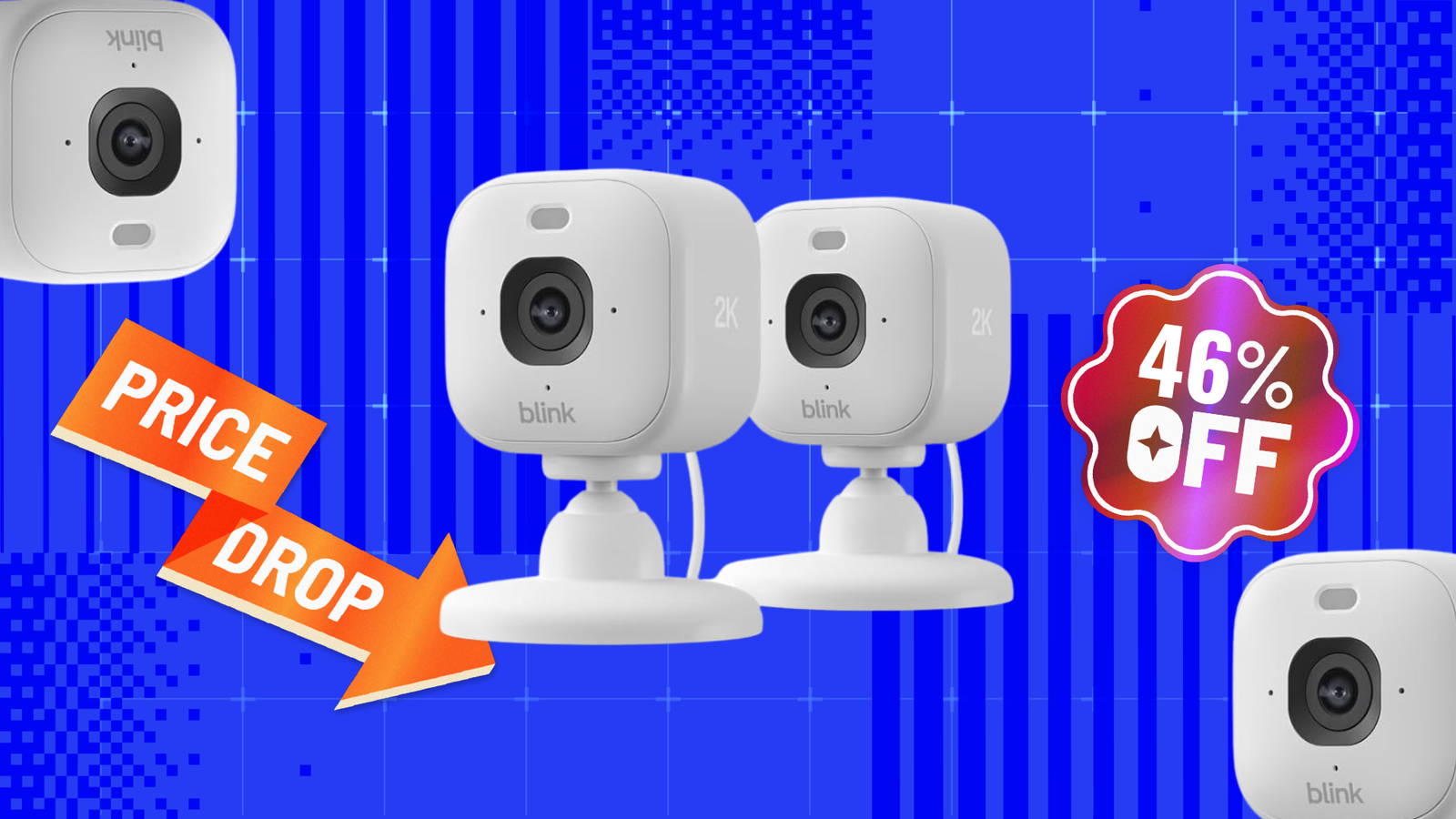
    Such all-seeing systems don’t have to make a getaway with your wallet, though. Not right now, especially, since Amazon has the Blink Mini 2K Plus two-camera indoor security system on sale for 46% off. That brings the $69.99 list price all the way down to $37.99! 

    Blink Mini 2K Plus Indoor Security Camera (2-Pack) 

    2K video resolution, night vision, enhanced audio, motion detection, 2-way audio 


    $37.99
    at Amazon

    $69.99
    Save $32.00


    Get Deal

    What’s better than one camera? Two! And that’s exactly what this deal entails: a two-pack of the Blink Mini 2K Plus security camera. As the third-generation model, the Blink Mini 2K Plus is the newest iteration and comes loaded with advanced features like noise cancellation, smart detection, and color night vision. It delivers sharper 2K video than its predecessors and can zoom up to 4x to capture even more detailed footage. Extra helpful if you need to see who’s been sticking their hand in the cookie jar (and call them out for it with two-way audio)! And if the perpetrator strikes in the dead of night, color night vision also helps you spot the little details. 

    Sounds like all that would be useful outside, too—right? You actually can mount the Mini 2K Plus camera outside, as long as you buy the Blink Weather Resistant Power Adapter (that’s sold separately) to connect it to power. But otherwise, it stands as a spectacular indoor security camera system. When we reviewed it, PCMag expert John R. Delaney gave it an “Excellent” rating and praised the Mini 2K Plus for its sharp video, practical AI features, and seamless Alex integration. 

    Recommended by Our Editors

    For almost half off, this two-camera bundle is just a click away. But if you’re looking for something a little more intense, check out our editors’ list of the best indoor security cameras for 2026. 

    More Home Security Deals

    *Deals are selected by our commerce team

    • More Security Camera Deals at Amazon 

    • More Security Camera Deals at Best Buy 

    • More Security Camera Deals at Walmart

    About Our Expert

  • Score Your First Month of 5G Home Internet on T-Mobile, and Up to $200 Back to Boot

    Score Your First Month of 5G Home Internet on T-Mobile, and Up to $200 Back to Boot

    An advertiser paid for editorial consideration of this deal. Our experts vetted the deal based on our independent expertise. Because we determined that the deal will save you money, we covered it.

    When the first of the month rolls around, it probably gets you thinking about your bills. If you, like many Americans, are paying a lot for traditional home internet and not getting your money’s worth, you might be looking for an upgrade. Traditional wired ISPs are limited by physical infrastructure and charge you through the nose, with tons of add-on taxes, fees, and service costs. But there’s a better way, and T-Mobile wants to prove it to you.

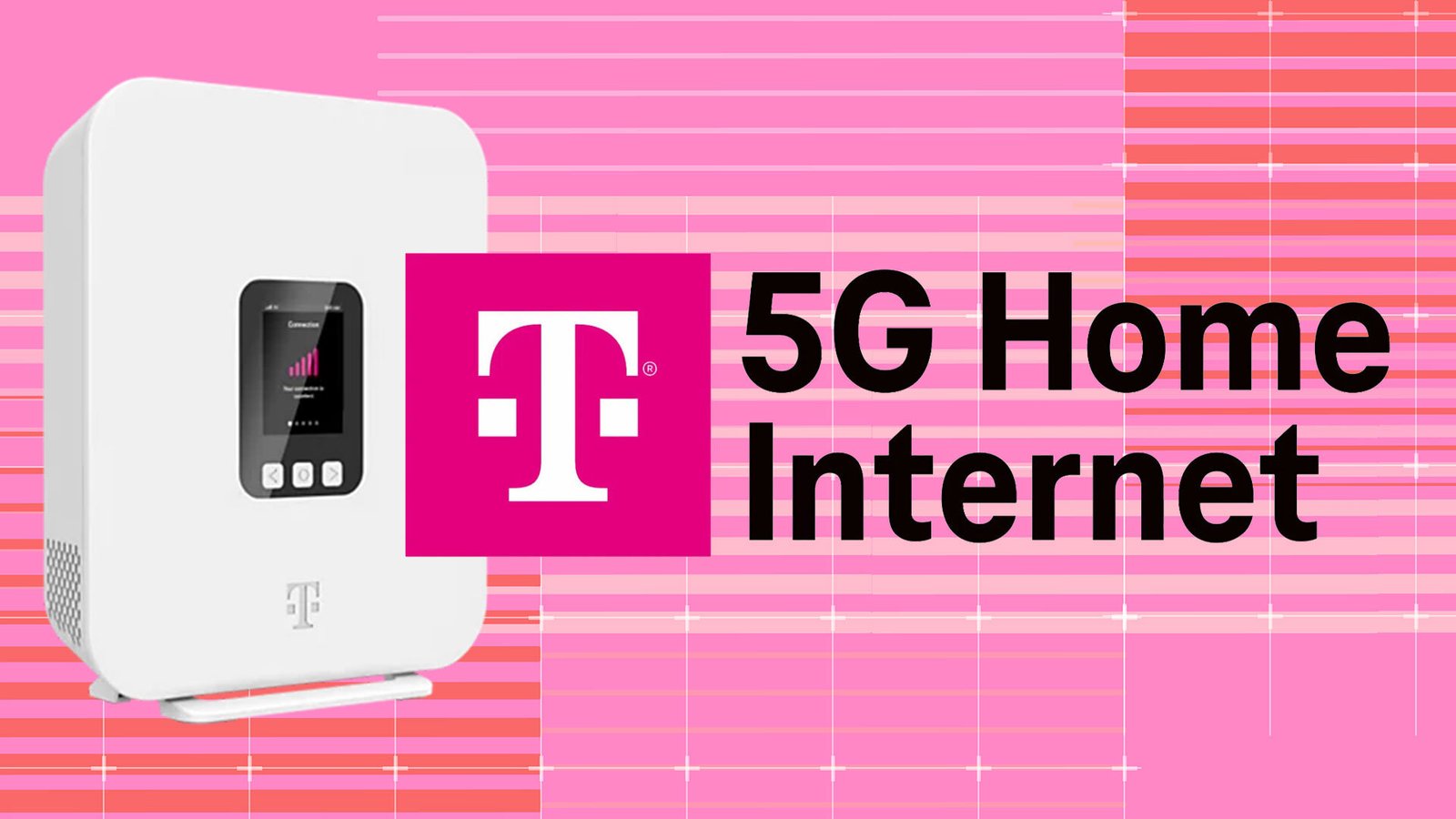
    The company has been throwing its weight behind T-Mobile 5G home internet plans, which leverage their existing high-speed data network to provide stable, reliable internet service, with ultra-simple setup at one low monthly fee.

    T-Mobile 5G Home Internet


    $35.00
    at T-Mobile

    $50.00
    Save $15.00


    Get Deal

    Curious about the details? It couldn’t be simpler. Just sign up for one of the three plans that T-Mobile offers, and you’ll be shipped a free Nokia 5G gateway, which you set up like your ordinary modem, just without any connections to your phone system.

    Once it’s powered on, link your T-Mobile account through the T-Life app, and the system is ready to go. A preinstalled SIM card means you don’t have to make any hardware adjustments after it arrives. The gateway is extremely user-friendly, with an LED display for instant info on signal strength and system status. T-Mobile’s customer support team is always available to help with installation questions.

    We wouldn’t recommend any product or service that we didn’t take into the lab and test extensively, so read our in-depth review of T-Mobile 5G home internet before you make your decision. We agreed that the overall cost came in way under most wired ISPs, especially for people who live in remote or rural areas that don’t have high-speed fiber. The lack of additional equipment costs (many other service providers charge you a monthly fee for renting a router, just to start) and the lack of a long-term contract were also strong points.

    Another thing we love about T-Mobile 5G home internet is the flexible pricing tiers. You pay for only what you need, but all three plans come with unlimited data and a five-year price guarantee. Start off with the Rely plan, at just $50 a month, and get a Wi-Fi 6 gateway that promises download speeds between 170 and 354Mbps and upload speeds between 14 and 55Mbps. Need something speedier? Step up to the Amplify plan, which gives you speeds up to 398Mbps, along with an upgraded Wi-Fi 7 gateway for just $60 a month. At the top of the charts is the All-In plan, for the fastest possible uploads and downloads with no speed caps, along with tons of bonuses: a bundled Wi-Fi mesh node to expand your coverage area, subscriptions to Hulu and Paramount+, free 24/7 tech support, security tools, and much more. All of these prices are exclusive of taxes and fees.

    Recommended by Our Editors

    Want to save even more? If you combine your T-Mobile 5G home internet plan with a T-Mobile voice line (whether you’re an existing or new customer) and set up autopay, you’ll slice an additional $15 a month off your bill. All three plans deliver that first month of service on T-Mobile. After seven weeks of use, you’re entitled to a sizable rebate. The Rely and Amplify plans award you $100, and the All-In plan delivers you $200. This is a limited-time deal, so get in touch with T-Mobile to simplify your ISP and save tons of cash.

    Legal Disclaimers: Fast internet delivered via 5G Cellular network: speeds vary due to factors affecting cellular networks. Month on Us: With bill credit, plus tax. Money Back: via virtual prepaid Mastercard. Allow seven weeks from rebate submission to receive payment.

    Excited by the savings and want more? Our deals page is the hot spot to shop.

    About Our Expert

  • Save $100 On This Sonos Move 2 Portable Speaker While You Still Can

    Save $100 On This Sonos Move 2 Portable Speaker While You Still Can

    There’s nothing better than blasting music outdoors when you’re hanging out with your friends at a party of by the pool. You should invest in a high-quality speaker to make sure those memories stay with you forever! The Sonos Move 2 portable speaker is now bringing the price down from $499 to $399.

    Sonos Move 2 Speaker

    24-hour battery life, 10 meter Bluetooth range, 5-inch speakers


    $399.00
    at Amazon

    $499.00
    Save $100.00


    Get Deal

    As of August 10, the Sonos Move 2 portable speaker is 20% off. According to CamelCamelCamel, this is the lowest price it’s been at since last year, so now’s the best time to hop on this deal!

    The Sonos Move 2 has improved over its predecessor by introducing two tweeters instead of just having one. Not only is the audio more immersive, but the bass and vocals sound as lively as ever. It’s almost like you’re at a live performance! With the Trueplay feature, the speaker automatically continues to adjust the sound depending on the surroundings. This way, you’ll get the most optimal audio while having the best listening experience possible.

    The speaker comes with a built-in handle, letting you take it anywhere with ease. It’s also rated IP56 so you won’t have to worry about any water splashes or dust particles interfering. Plus, it’s made up of shock-absorbent material that guards against accidental drops. The 24 hour battery life also lets it last for the entire party, and the included wireless base gives the battery a boost when needed.

    Our audio expert Tim Gideon awarded it an “Excellent” rating. In our in-depth review, he said, “The Move 2 improves upon with predecessor with stereo audio and longer battery life, making it the best Sonos speaker for listening to music outside.”

    Recommended by Our Editors

    More Speaker Deals

    *Deals are selected by our commerce team

    Be sure to check out our other Amazon and speaker coverage.

    About Our Expert

  • Curious Minds, Lifetime Access to Babbel’s Language Learning Is 49% Off

    Curious Minds, Lifetime Access to Babbel’s Language Learning Is 49% Off

    TL;DR: Get a Babbel Lifetime Subscription for $159 (reg. $299) through August 16 with the StackSocial code LEARN.

    Language learning is easier to commit to when there’s no ticking renewal date. A lot more enjoyable when there’s no, “I don’t want to pay for another month because it’s too expensive.” That’s why StackSocial and Babbel are teaming up to bring you this offer on Babbel lifetime access.

    Instead of paying every month for access to language learning, you can grab this lifetime subscription to Babbel for a single price and not worry about renewal fees or feeling rushed in your learning.

    Your Babbel lifetime subscription includes access to 14 languages, like French, Spanish, German, and Italian. The learning method focuses on real-world terms and use cases, as well as recorded dialogues from real native speakers. And the reviews don’t lie: the app’s short lessons, mini-games, and personalized reviews are proven effective by research.

    Also, be sure to check out the AI Conversation Partner to practice your speaking, listening, and comprehension skills in real time.

    The app has consistently received positive feedback across 15 million downloads. It holds 4.5 out of 5 stars on Google Play and 4.6 out of 5 stars on the App Store.

    Recommended by Our Editors

    Get lifetime access to all 14 Babbel languages for a one-time $159 (MSRP $299) with the StackSocial code LEARN through August 16.

    Babbel Language Learning

    Lifetime Subscription (All Languages)


    $159.00
    at StackSocial

    $299.00
    Save $140.00


    Get Deal

    Prices subject to change. PCMag editors select and review products independently. If you buy through StackSocial affiliate links, we may earn commissions, which help support our testing.

    About Our Expert

  • Windows 11 Pro Is Down to Just $11 Until August 9

    Windows 11 Pro Is Down to Just $11 Until August 9

    TL;DR: Get a Windows 11 Pro lifetime license for $11.23 (reg. $199) through August 9 with code AUG25.

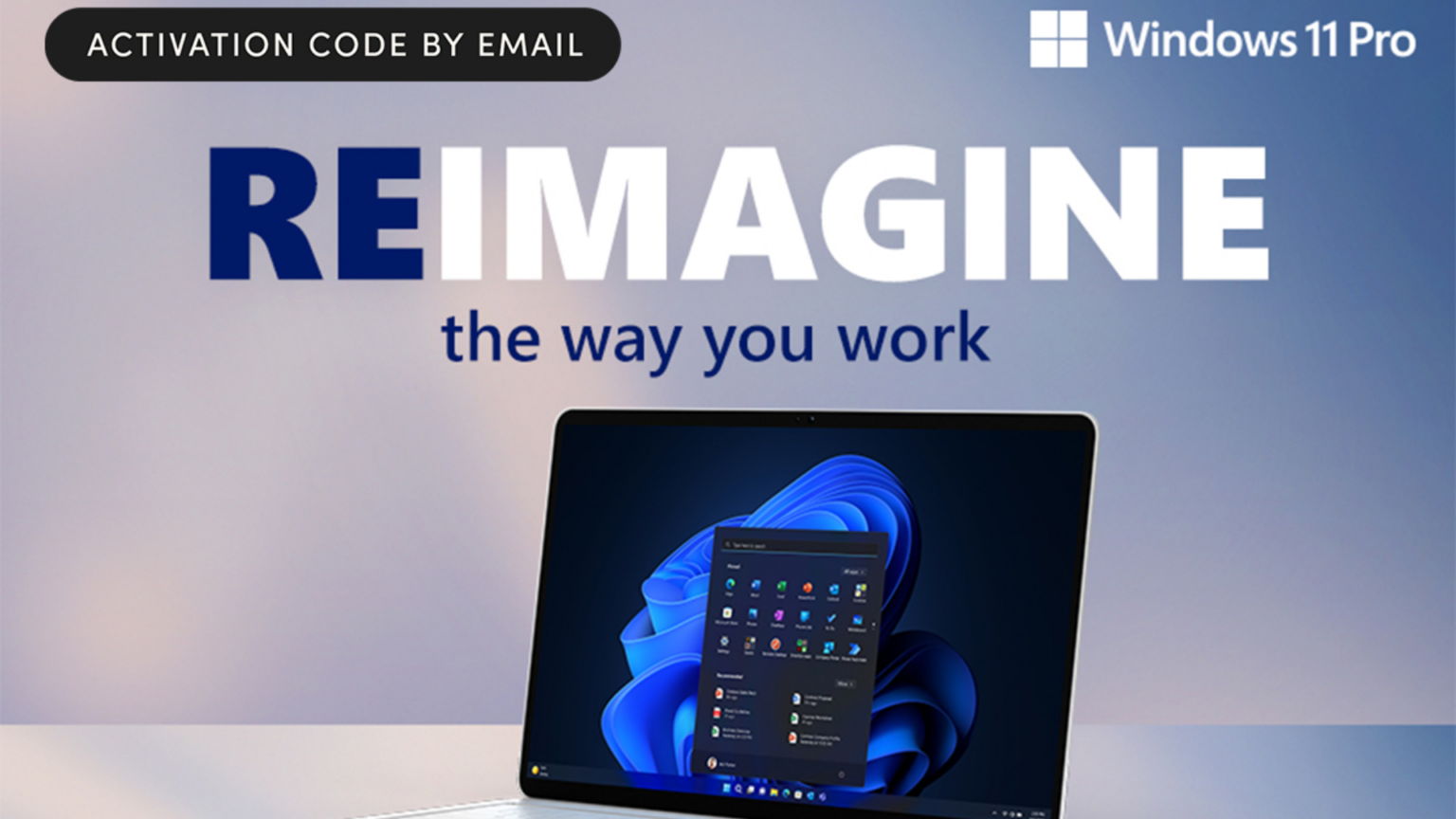
    Why spend hundreds on new hardware when one of the cheapest, most powerful PC upgrades costs less than a Cava bowl? Right now, you can get a Windows 11 Pro license key for just $11.23 (MSRP $199) through StackSocial with code AUG25.

    And here’s something else to keep in mind: Microsoft has ended support for Windows. That means no more security updates, patches, or tech support, so now’s the time to upgrade.

    Windows 11 Pro Key Enhancements:

    • DirectX 12 Ultimate for ray-traced graphics and high frame rates

    • Auto HDR to add contrast and color to even older games

    • DirectStorage (with compatible hardware) for lightning-fast game load times

    You’ll also get improved window management, faster boot speeds, and a more intuitive layout built to streamline your workflow. Windows 11 Pro is engineered to work with your PC—not against it—so your system finally runs like the powerhouse it was built to be.

    Upgrade to Windows 11 Pro for just $11.23 (MSRP $199) through August 9 with code AUG25.

    Recommended by Our Editors

    Microsoft Windows 11 Pro


    $11.23
    at StackSocial

    $199.00
    Save $187.77


    Get Deal

    Prices subject to change. PCMag editors select and review products independently. If you buy through StackSocial affiliate links, we may earn commissions, which help support our testing.

    About Our Expert

  • AT&T Adds a New Kid-Optimized 5G Android Tablet to Its Lineup

    AT&T Adds a New Kid-Optimized 5G Android Tablet to Its Lineup

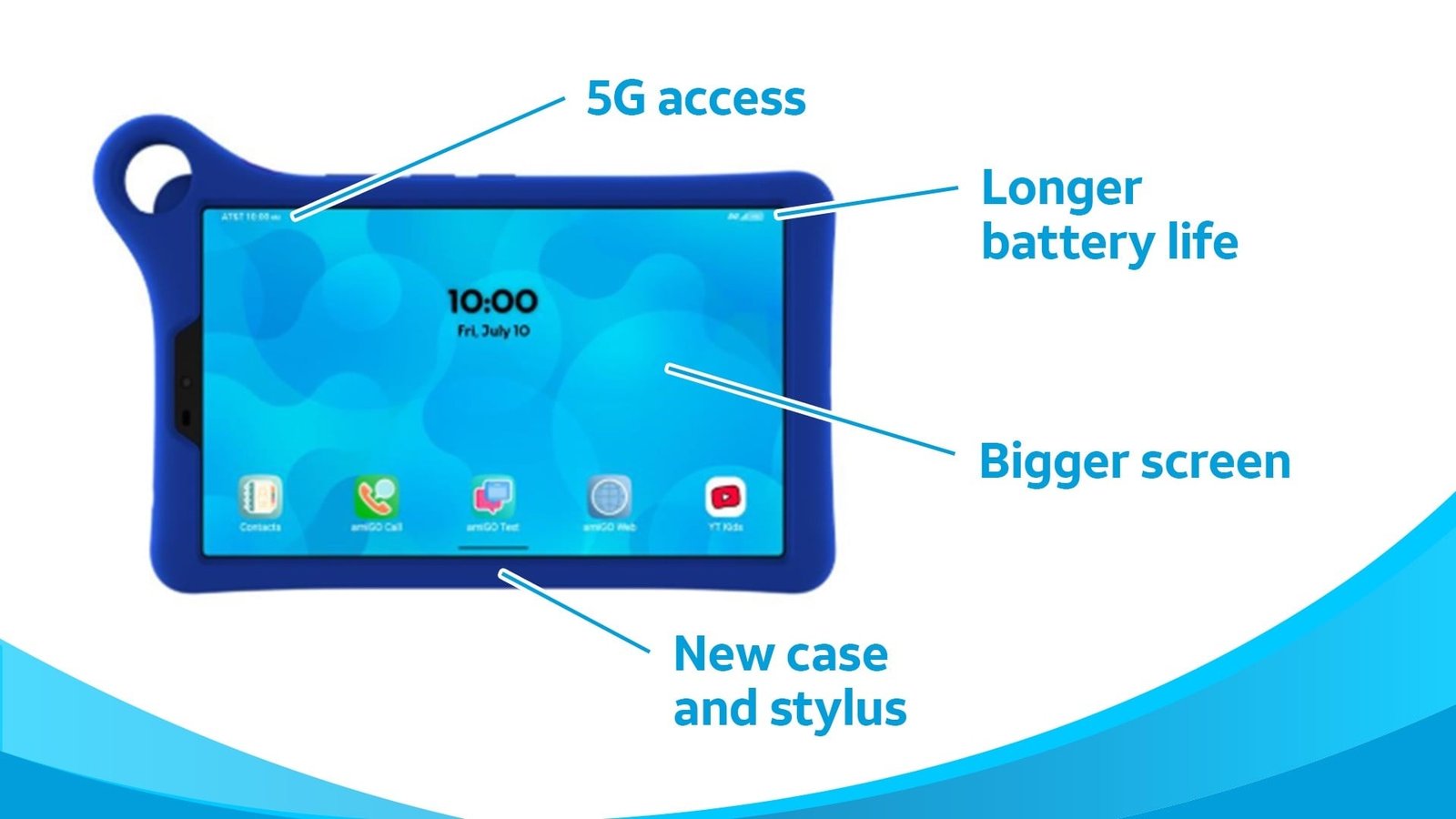
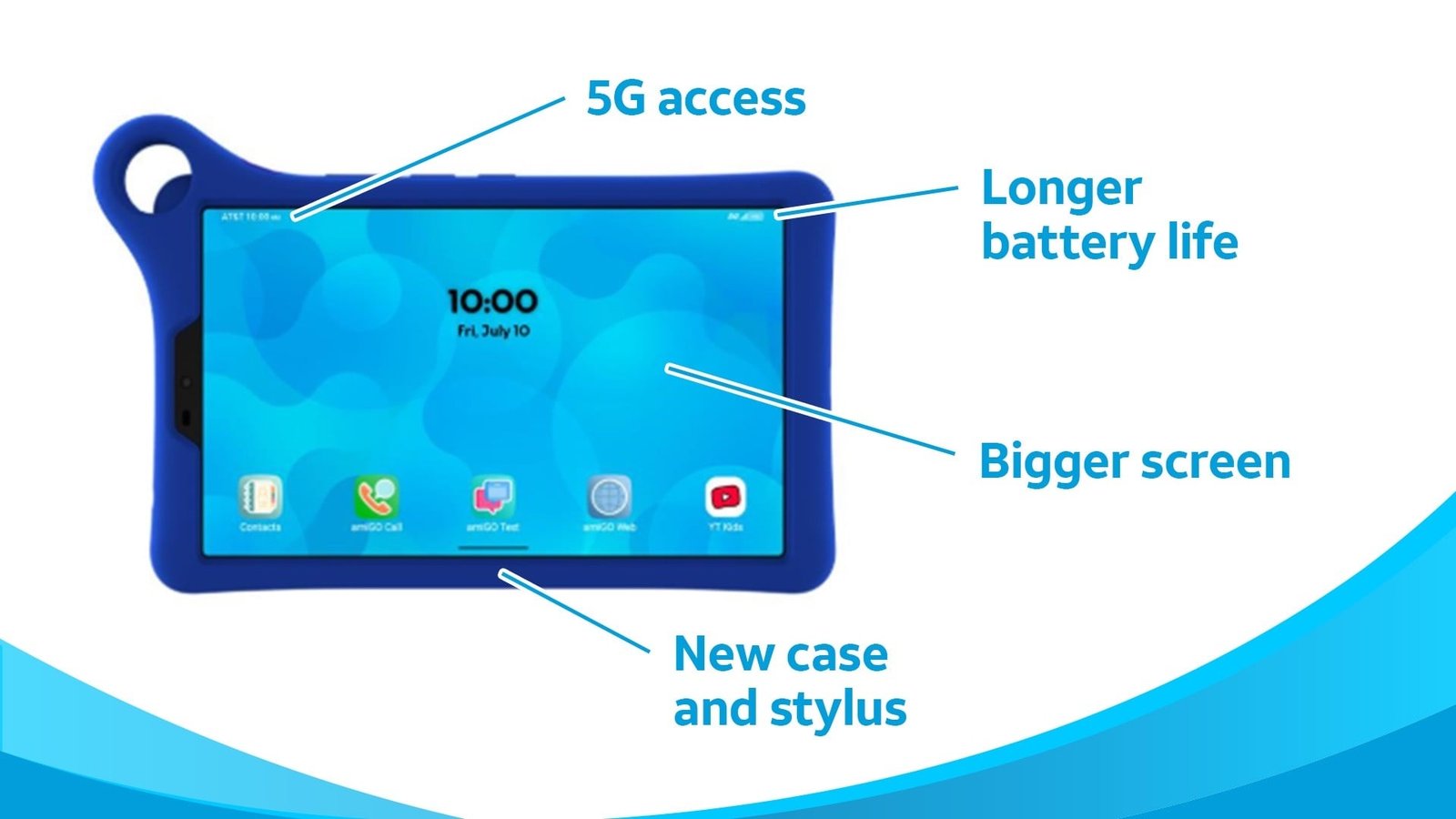
    AT&T is introducing a new, ruggedized 5G Android tablet with an affordable price and one unavoidable problem for potential buyers: They’re too old for the device.

    The carrier’s new, TCL-built AmiGo Jr. Tab 2 is AT&T’s latest addition to the market for child-optimized tablets. The pricing involves some grown-up math: either $239.99 up-front or, if you activate a new line, $4.99 a month for 36 months ($179.64 total) with $1.70 in bill credits off a $20.99/month tablet plan.

    The remainder of the AmiGo Jr. Tab 2’s specs are less impressive: an 8.7-inch, 1,340-by-800-pixel display, a stylus, 64GB of internal storage (which you can expand by up to 2TB with a microSD card), an 8MP rear camera and a 5MP front camera, and the older Wi-Fi 5.

    AT&T’s spec sheet lists a 6,000-mAh battery and a charge time (“up to 145 minutes” to reach 100%) but not how long it runs on a charge, instead just citing “all-day” usage.

    The operating system onboard is also two releases behind, the 2024-vintage Android 15. That does not suggest an update for the current Android 17 is coming anytime soon, not that Google’s new release offers much so far to set itself apart from Android 16.

    Recommended by Our Editors

    The more relevant software for potential buyers of the Tab 2, which AT&T recommends for children ages 3 to 10, may be the parental-control app available for Android and iOS, which offers usage monitoring and location tracking, plus the kid-friendly apps installed on the tablet itself. It joins a set of other AmiGo devices, including a smartwatch and a Samsung-made phone.

    Editors’ Note: We updated this post to remove an incorrect detail provided in an early copy of AT&T’s announcement. 

    About Our Expert

  • Give Your Brain a Software Update: The MemoryOS App Is Just $80 Right Now

    Give Your Brain a Software Update: The MemoryOS App Is Just $80 Right Now

    TL;DR: Get MemoryOS Student Plan lifetime access for a one-time $79.99 (MSRP $198) and build stronger memory skills.

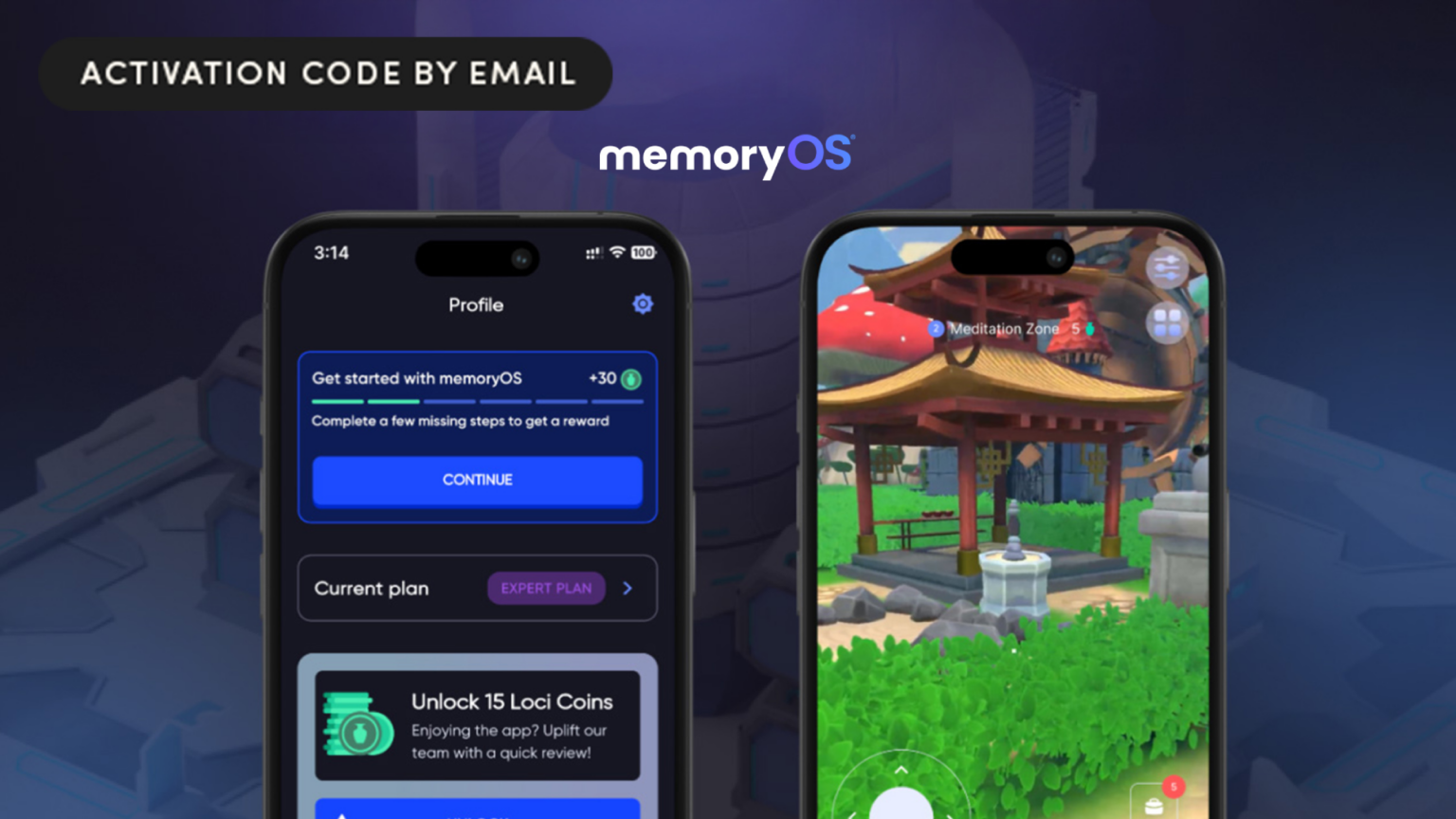
    Improving your memory doesn’t have to mean flashcards, endless repetition, or another subscription you’ll forget about. The memoryOS Student Plan is available as a lifetime purchase for $79.99 (MSRP $198), giving you long-term access to a platform built around proven memory techniques.

    Despite its name, the Student Plan isn’t limited to students. It’s designed for anyone who wants to retain information more effectively, whether that’s preparing for exams, remembering presentations, learning new skills, or simply reducing forgetfulness.

    MemoryOS combines established learning methods such as spaced repetition, mnemonics, and the Memory Palace (Method of Loci) with interactive lessons and virtual environments to help organize information visually. The goal is simple: make information easier to store and easier to recall later.

    The lifetime plan includes 52 interactive micro-lessons, 11 core memory skills, 140 virtual loci, unlimited practice attempts, and a distraction-free, ad-free experience. You also get access to Virtual Mind Palaces that grow as your training progresses.

    Replace mindless scrolling with a skill that keeps paying off.

    Recommended by Our Editors

    Get lifetime access to the MemoryOS Student Plan for a one-time $79.99 (MSRP $198).

    MemoryOS Student Plan

    Lifetime Subscription


    $79.99
    at StackSocial

    $198.00
    Save $118.01


    Get Deal

    Prices subject to change. PCMag editors select and review products independently. If you buy through StackSocial affiliate links, we may earn commissions, which help support our testing.

    About Our Expert

  • Curiosity Stream Is Like Discovery+, but You Only Pay $113 for Life Right Now

    Curiosity Stream Is Like Discovery+, but You Only Pay $113 for Life Right Now

    TL;DR: A Curiosity Stream lifetime subscription is $112.50 (MSRP $399.99) with code AUG25, through August 9.

    Documentary fans get a rough deal on most major streamers, buried under a few thousand reality shows and reruns, but on Curiosity Stream, documentaries are all they do, and they do it well.

    The catalog runs deep on science, history, nature, and technology: ancient Rome, deep space, wildlife. Not to mention a solid lineup of David Attenborough programs. New titles are added regularly, so the library doesn’t stall out after the first few weeks.

    The Ideal Streaming Service

    • HD streaming across phones, tablets, and TVs

    • iPhone and iPad apps support offline downloads, useful for flights or long commutes

    • The interface is straightforward, and topic-specific search makes it easy to go down a rabbit hole

    • Bookmarking and resume playback carry across sessions

    It’s also a solid pick for background viewing, low-stakes enough to fall asleep to without the jump scares or plot you’d need to keep up with in a movie or reality show. Between that and the actual content quality, it’s a fit for students, lifelong learners, or anyone looking to trim a streaming lineup down to something worth paying for once.

    Get Curiosity Stream lifetime access for $112.50 (MSRP $399.99) with code AUG25 before it ends August 9 at 11:59 p.m.

    Recommended by Our Editors

    Curiosity Stream Standard Plan

    Lifetime Subscription


    $112.50
    at StackSocial

    $399.99
    Save $287.49


    Get Deal

    Prices subject to change. PCMag editors select and review products independently. If you buy through StackSocial affiliate links, we may earn commissions, which help support our testing.

    About Our Expert

  • AT&T Adds a New Kid-Optimized 5G Android Tablet to Its Lineup

    AT&T Adds a New Kid-Optimized 5G Android Tablet to Its Lineup

    AT&T is introducing a new, ruggedized 5G Android tablet with an affordable price and one unavoidable problem for potential buyers: They’re too old for the device.

    The carrier’s new, TCL-built AmiGo Jr. Tab 2 is AT&T’s latest addition to the market for child-optimized tablets. The pricing involves some grown-up math: either $239.99 up-front or, if you activate a new line, $4.99 a month for 36 months ($179.64 total) with $1.70 in bill credits off a $20.99/month tablet plan.

    The remainder of the AmiGo Jr. Tab 2’s specs are less impressive: an 8.7-inch, 1,340-by-800-pixel display, a stylus, 64GB of internal storage (which you can expand by up to 2TB with a microSD card), an 8MP rear camera and a 5MP front camera, and the older Wi-Fi 5.

    AT&T’s spec sheet lists a 6,000-mAh battery and a charge time (“up to 145 minutes” to reach 100%) but not how long it runs on a charge, instead just citing “all-day” usage.

    The operating system onboard is also two releases behind, the 2024-vintage Android 15. That does not suggest an update for the current Android 17 is coming anytime soon, not that Google’s new release offers much so far to set itself apart from Android 16.

    Recommended by Our Editors

    The more relevant software for potential buyers of the Tab 2, which AT&T recommends for children ages 3 to 10, may be the parental-control app available for Android and iOS, which offers usage monitoring and location tracking, plus the kid-friendly apps installed on the tablet itself. It joins a set of other AmiGo devices, including a smartwatch and a Samsung-made phone.

    Editors’ Note: We updated this post to remove an incorrect detail provided in an early copy of AT&T’s announcement. 

    About Our Expert

  • Warning: Your Old Browser Extensions May Be Secretly Exposing Your Data

    Warning: Your Old Browser Extensions May Be Secretly Exposing Your Data

    Next time you open your favorite browser, ask yourself: Who can see what I’m doing? If that question gives you pause, it’s probably time to review your browser extensions. After all, you probably use a browser for tasks that involve personal and private information, like online banking, shopping, or submitting your tax forms. Here’s the bad news: It’s incredibly easy to leak your private information via shady browser extensions, and they’re everywhere.

    In January 2026, cybersecurity firm LayerX uncovered 17 malicious extensions on Firefox, Chrome, and Edge. Before that, free proxy and VPN extensions were found to be stealing AI chat logs from users in December. These extensions were installed hundreds of thousands—to even millions—of times. That’s a lot of covert surveillance! This isn’t a new problem, either. Malicious browser extensions have been an issue for years.

    Below, I’ll explain how criminals extract personal data using browser extensions, how to identify legitimate extensions, and how to manage the ones currently on your browser.


    Wait, Browser Extensions Are Dangerous?

    Browser add-ons and extensions are apps that run in the background while you browse. You probably downloaded them because they perform useful tasks to help you navigate the web, but depending on the browser you use and the permissions you’ve given to the extension, the company that owns the app can potentially see everything you see on a website. This can include the information you put in web forms, like your name, social security number, or bank account details. The information can then be packaged and sold on the dark web or used for blackmail or social engineering scams.

    The tricky thing is that malicious extensions don’t always start out that way. Security researchers have noted many instances of good apps going bad. This could be from hackers hijacking an old extension or because the program simply remained dormant before being activated.


    Which Browser Extensions Are Safe to Keep?

    I recommend only installing apps for services you already use from companies you trust. For example, Gmail has a browser extension. Privacy and security apps like authenticators, password managers, and VPNs are typically available as browser extensions. There are also helpful extensions with AI tie-ins, like Grammarly, a grammar and spelling-checking app. Adblocking software is almost exclusively offered as browser extensions.

    All the major browsers support extensions on desktop, while Safari also supports them on iPhone and iPad, and Firefox allows them on Android devices. No matter which browser you choose, it’s a good idea to periodically delete the extensions you rarely use and turn off extensions that don’t need to always run in the background. Below are step-by-step instructions for adding and removing extensions for Chrome, Edge, Firefox, and Safari.


    How to Remove Chrome and Edge Extensions

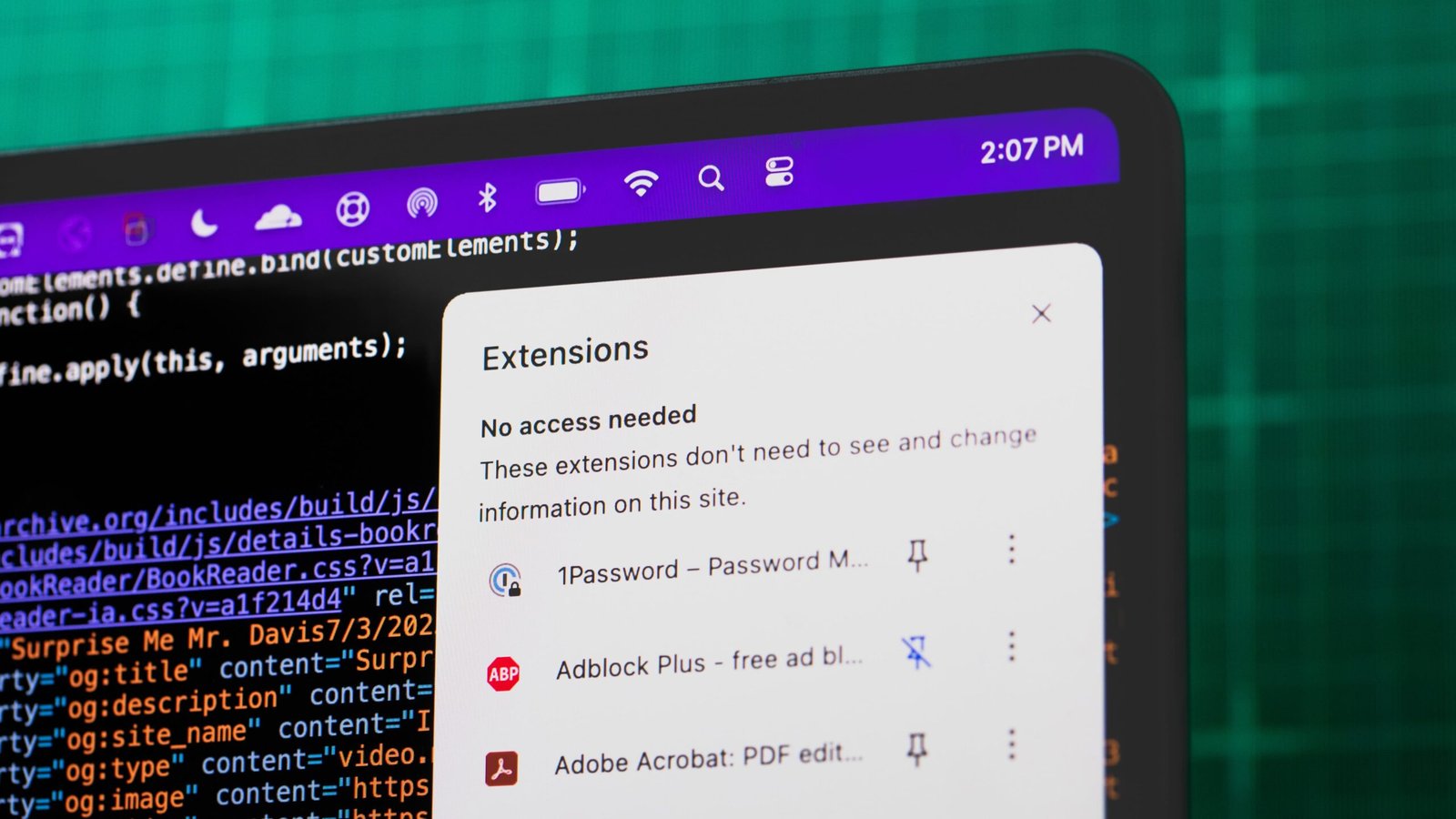
    Chrome extensions added from the Chrome Web Store can be managed from the right-hand corner of the browser’s toolbar. For any extension you previously pinned to the browser, just right-click its icon and choose Remove from Chrome. Otherwise, click the icon that looks like a puzzle piece, open the three-dot menu next to the extension, and choose Remove from Chrome.

    Manage all extensions

    (Credit: Google/PCMag)

    If it doesn’t appear in this menu, click Manage Extensions to see all your add-ons. From here, you can click Details to view information on a specific extension, use the switch to temporarily disable it, or hit Remove to delete it.

    Disable or uninstall an extension

    (Credit: Google/PCMag)

    Microsoft has its own Edge Add-ons in the Microsoft Store. However, since Edge is based on Chromium, it is compatible with extensions from the Chrome Web Store. You can also manage add-ons in much the same way.


    How to Remove Firefox Extensions

    In Firefox, you can add extensions to the toolbar from the Firefox Browser Add-Ons site. Right-click on its toolbar icon to manage the extension. From the pop-up menu, select Remove Extension to uninstall it from Firefox. Otherwise, open the puzzle-piece icon, right-click the extension, and choose Remove Extension.

    Recommended by Our Editors

    Manage extension

    (Credit: Mozilla/PCMag)

    To see all your extensions, click the hamburger icon in the upper right and select Add-ons and themes or click the Extensions icon and choose Manage Extensions. You can disable an extension by turning off its switch or click the three-dot icon and choose Remove to uninstall it completely.

    Manage all extensions

    (Credit: Mozilla/PCMag)

    Firefox also supports extensions on Android devices. You can manage your extensions in the app by clicking the three-dot icon and selecting Add-ons > Add-ons Manager. Select the extension, then turn off the switch to disable it or tap Remove button to uninstall it completely.

    Manage extension

    (Credit: Mozilla/PCMag)


    How to Add and Remove Safari Extensions

    Access Safari extensions

    (Credit: Apple/PCMag)

    When you install an extension in Safari from Safari > Safari Extensions or the App Store, it downloads a separate app to your device. To manage your extensions, click Safari > Preferences, then select the Extensions tab. Uncheck a listing to temporarily disable an extension. If you want to uninstall an extension, select it and then click Uninstall. You will also need to delete its underlying applications to fully uninstall the extension; a message should appear prompting you to do this.

    Manage extensions

    (Credit: Apple/PCMag)

    Extension usage is extremely limited on mobile devices. To see if you have any, go to Settings > Safari > Extensions and tap the More Extensions link. When you install an extension, it adds an app to your Home screen. To manage your extensions, tap the AA icon in the browser and select Manage Extensions. You can turn off the switch for the extension you want to disable. To uninstall an extension entirely, you need to delete its associated app.

    Disable or remove extension

    (Credit: Apple/PCMag)


    Use Smart Internet Hygiene

    Managing browser extensions is a task you can add to your household’s cybersecurity checklist. While you’re focusing on security, take a look at your browser’s privacy settings, too. There may be some features or tools you can enable or disable to exercise more control over access to your personal data. For a roundup of PCMag’s recommended online safety apps, check out the privacy and security toolkit.

    About Our Experts